
Build your Grok Bot team: 16 templates for code, content, sales and operations
The Grok Bot team shared its bot templates for free on the marketplace: PR supervision, outreach drafts, video editing and customer call follow-ups. Add the template you need, connect your tools and
Article
Job breakdowns
The Grok Bot team shared its bot templates for free on the marketplace: PR supervision, outreach drafts, video editing and customer call follow-ups. Add the template you need, connect your tools and configure it for your work.
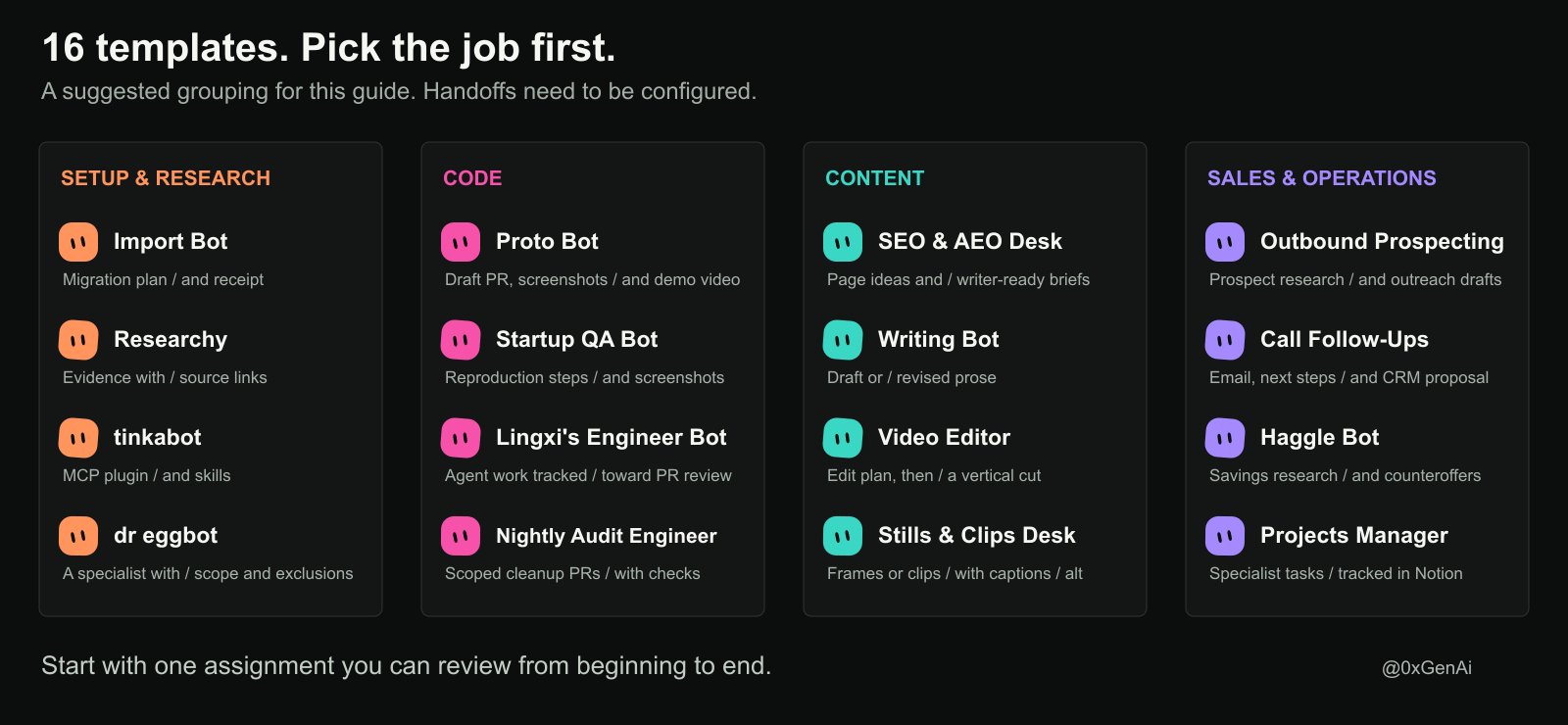
Keep this as an installation guide. Below are 16 templates, what to give each one, what comes back, and where to keep your approval in the process.
Before you add a bot
A template copies instructions and selected skills, memories and integrations. You still need to connect your accounts and complete setup. Custom scripts or MCP dependencies may need separate installation. Review the included material before importing. The official template guide explains what transfers.
Check the bot's permissions and scheduled routines before its first run. Importing a template and paying for the work it performs are separate questions; check your account's usage terms and any connected service costs.
The examples below are suggested first assignments, not results from a test of this entire team.
- Import Bot: bring over the setup you already have
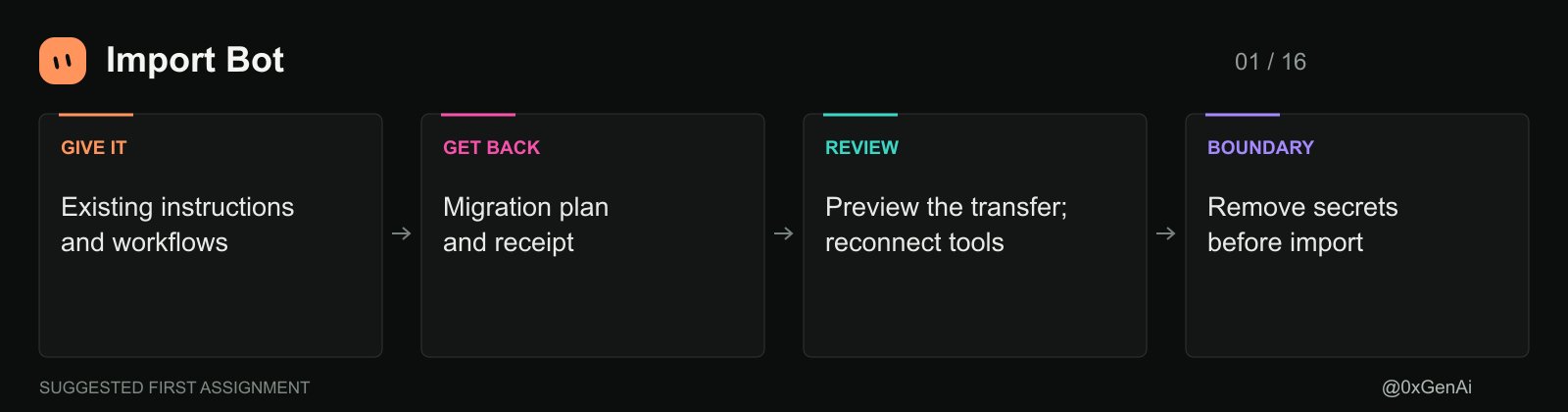
Start here if your instructions and workflows already live in Claude Cowork, Codex, ChatGPT, OpenClaw or Hermes. Shub Gaur's Import Bot brings that setup into Grok Bot, proposes additions to existing bots and creates specialists for uncovered work. Its instructions require removing secrets before saving the import.
Tell it which tools you use and which workflows matter. Ask to preview the transfer before changes, then review the migration receipt. Reconnect integrations where needed. An imported description of your workflow doesn't prove the new bot can run it.
- Researchy: check the claims before they travel
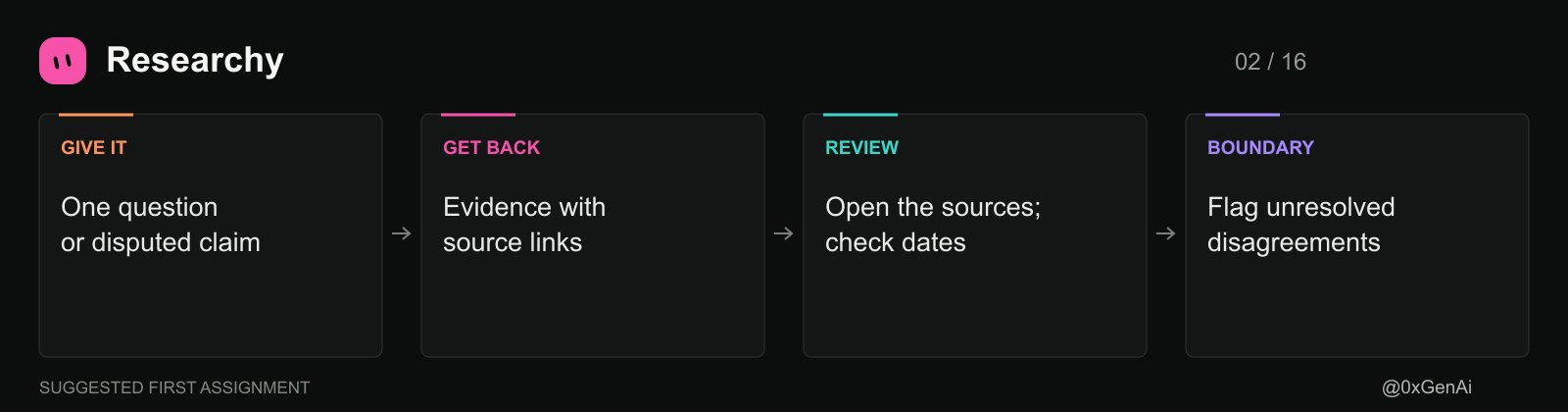
Farzad's Researchy is a research and fact-check desk configured to use live web search. That makes it useful before a product comparison, article or sales brief leaves your team.
Give it a specific question and ask for source links, dates and unresolved disagreements. For example: check whether a competitor's advertised integration is generally available or still in preview. Open the cited pages yourself for claims that affect a buying decision. Live search supplies evidence to inspect; it doesn't remove the need to inspect it.
- Proto Bot: turn a feature request into something clickable
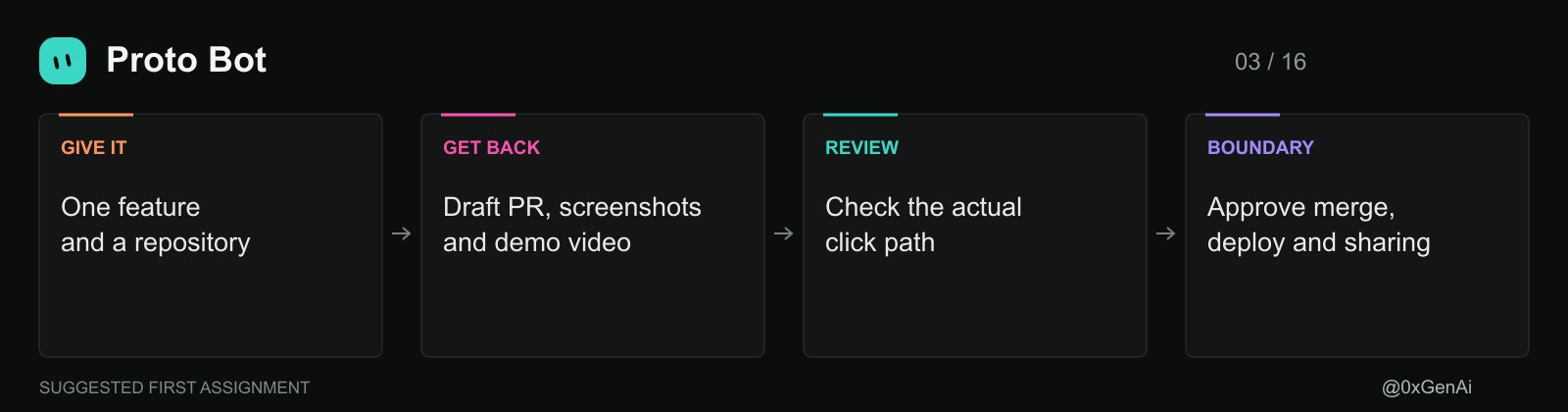
Shub Gaur's Proto Bot builds prototypes in your actual app through cloud agents. Its outputs include draft PRs, click-path screenshots and a short video. The template requires approval before merging, deploying or sharing.
Give it one feature, the repository and the user action you want to demonstrate. Ask for a prototype using existing components. Review the click path before expanding the task: a working screen can still implement the wrong flow.
- Startup QA Bot: walk the product in a test account
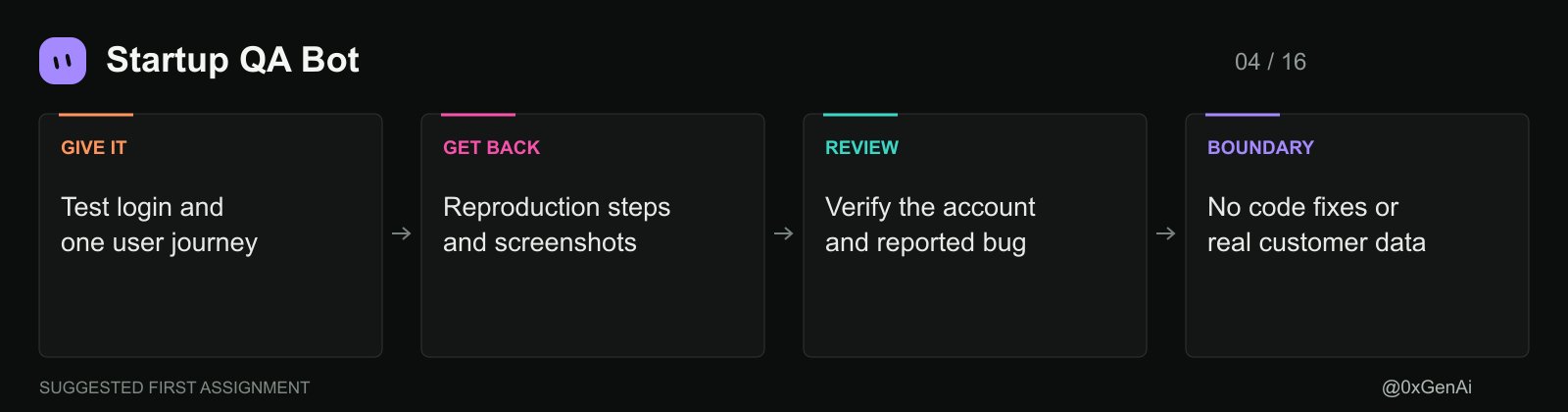
After the prototype, use Shub Gaur's Startup QA Bot. It checks the product through its own test account and reports changes, regressions and broken flows with reproduction steps and screenshots. Its scope excludes code fixes and changes to real customer data.
Start with one important journey, such as signup through first project creation. Confirm the test login and run it manually before enabling the weekday routine. Give bug reports to an engineering bot as a separate assignment; finding a bug isn't authorization to change code.
- Lingxi's Engineer Bot: supervise the PR work
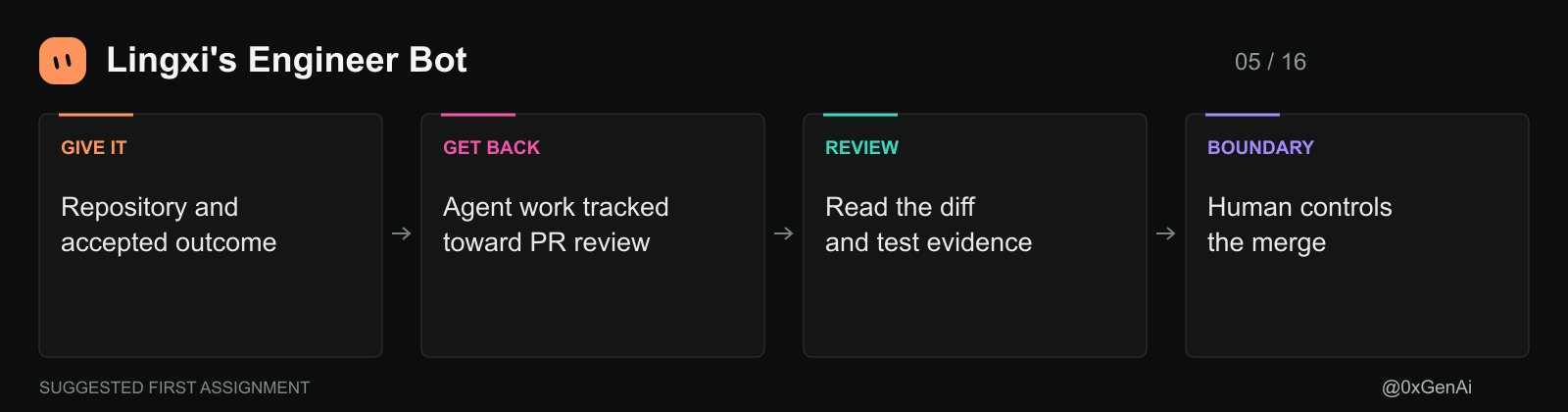
Lingxi's Engineer Bot, by Lingxi Li, delegates coding to cloud agents and watches PRs on a 30-minute cadence after setup. It tracks work toward review and leaves merges under human control.
Name the repository, describe the accepted outcome and decide whether you want its optional Notion board. Ask for test evidence alongside the PR. The template distinguishes an agent finishing from a change being merged, which prevents a completed chat from masquerading as a shipped fix. Keep repository protections in place too.
- Nightly Audit Engineer: keep cleanup small enough to review
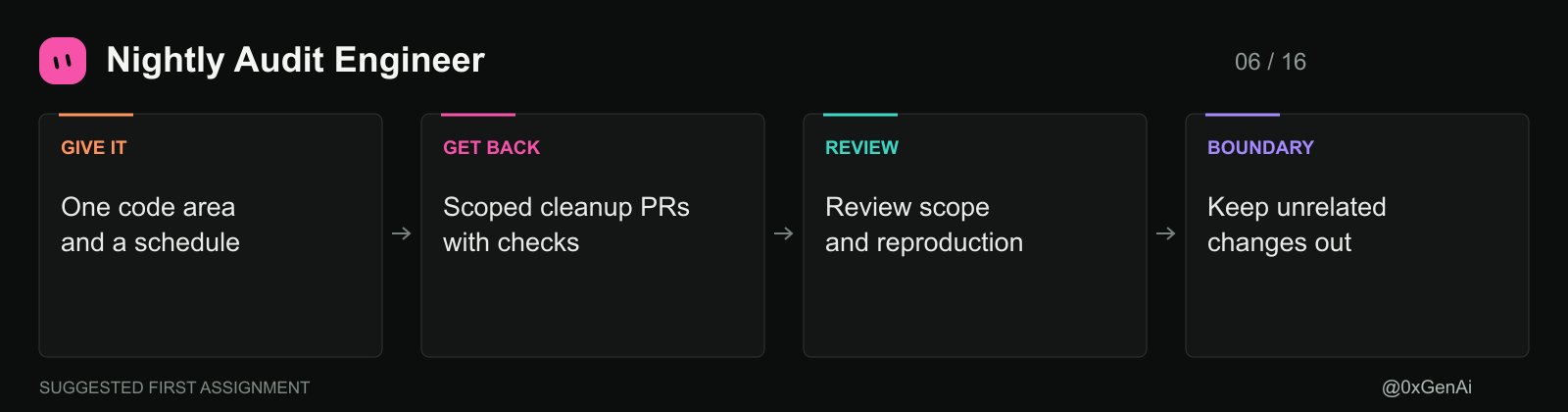
Lingxi Li's Nightly Audit Engineer researches the codebase and prepares cleanup PRs by area. Its instructions favor reproducing problems, reusing existing paths and keeping unrelated hardening out of a fix.
Start with a bounded area and agree on the schedule. Require the report to say what was observed, what changed and how it was checked. A cleanup that introduces a new subsystem deserves scrutiny even when its tests pass. Don't enable recurring work faster than you can review the output.
- tinkabot: fill a missing integration
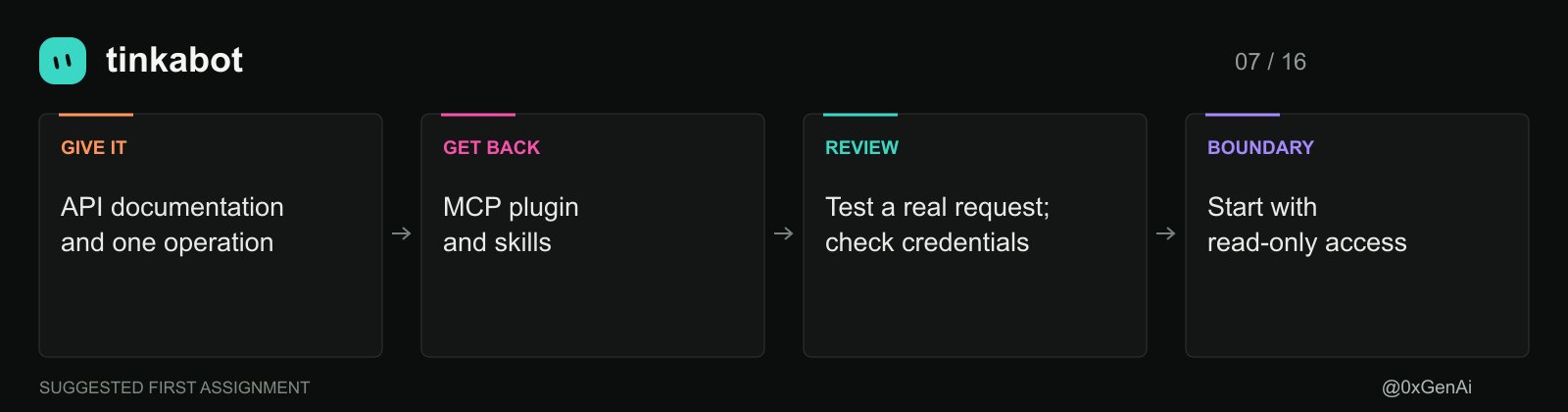
Lauren Tan's tinkabot turns an API into a plugin built around MCP and skills. Use it when a workflow needs a tool the existing connectors don't cover.
Supply the API documentation and one concrete operation, such as reading a report. Define the response fields before asking for more endpoints. Start with read-only access, test a real request and review credential handling. Publishing the plugin should be a separate decision from proving it works locally.
- SEO & AEO Desk: decide which page to write
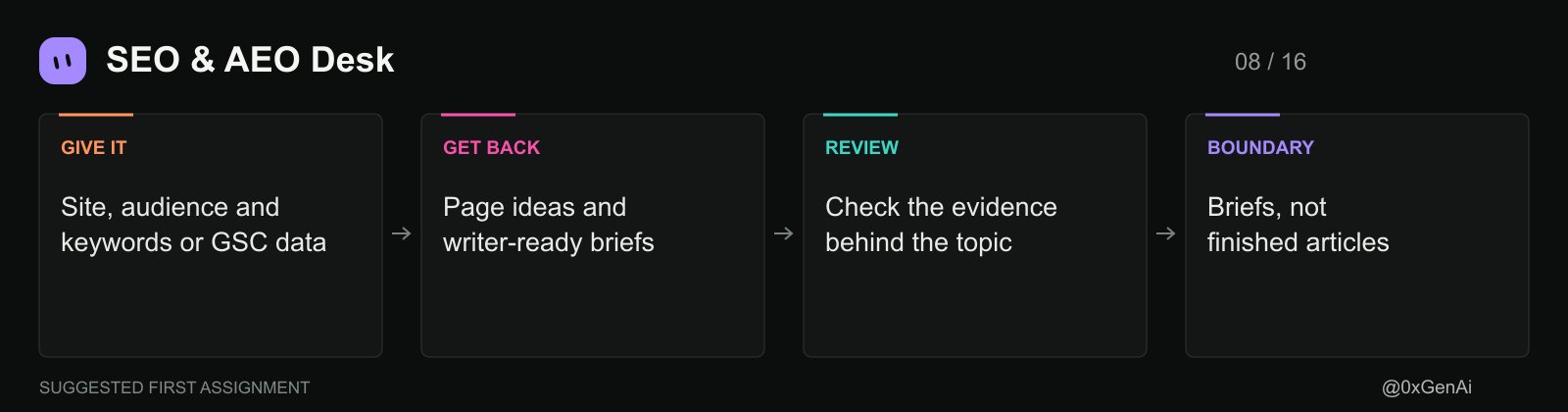
Adam Tanguay's SEO & AEO Desk turns keywords or Search Console data into page ideas and writer-ready briefs. It also maps questions people ask AI. Finished articles are outside its remit.
Give it your site, audience and actual search data when available. Choose one proposed topic and request a brief with the reader's question, supporting evidence and gaps. Its instructions forbid invented search metrics; still check whether a recommendation comes from observed data or a qualitative judgment.
- Writing Bot: draft from the brief without losing your voice
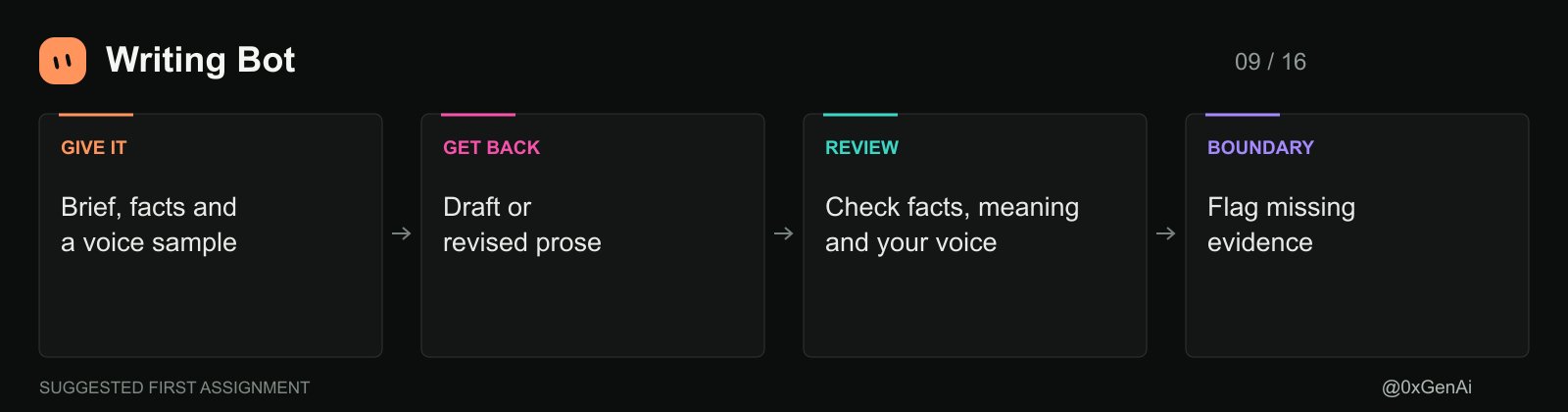
Matt Palmer's Writing Bot drafts and revises prose while preserving meaning, facts and voice. Use it for the article the SEO desk doesn't write, or for an email that needs a cleaner structure.
Include an example of your own writing, the audience and facts that must remain unchanged. Ask it to flag missing evidence instead of filling the gap. A useful handoff is SEO brief, then Writing Bot draft, then Researchy fact-check. You need to arrange that handoff; importing the templates doesn't wire it automatically.
- Video Editor: turn raw footage into a reviewed cut
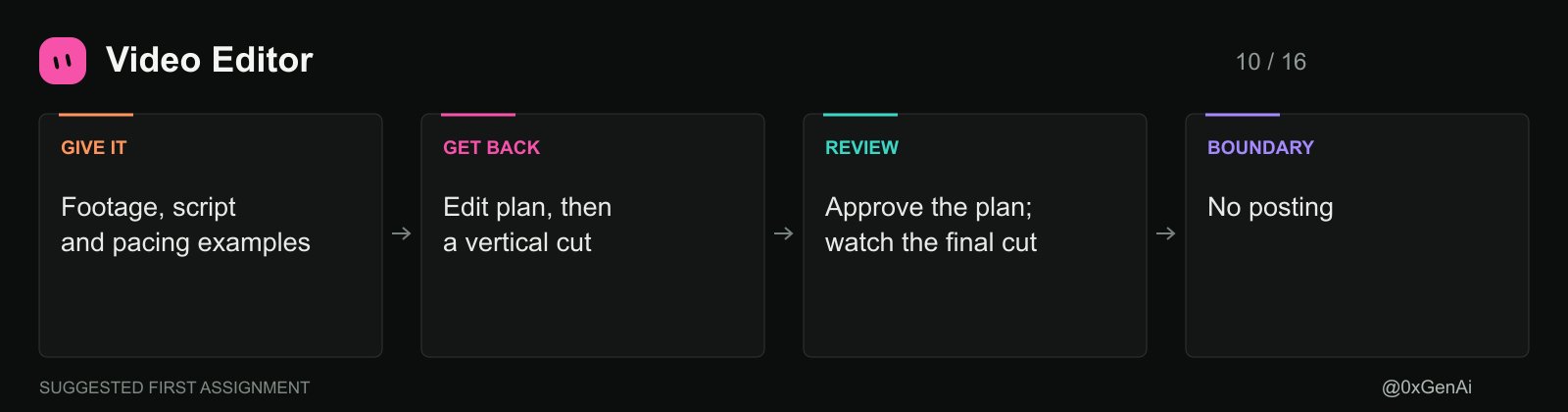
Ethan Ng's Video Editor edits short vertical talking-head videos. It selects takes, adds captions and supporting media, and asks for approval of the edit plan before cutting. Posting is outside its job.
Give it the raw footage, script, destination and examples of pacing you like. Review the proposed edit before rendering. The template explicitly warns that automated quality checks can hallucinate, so verify reported problems against frames and audio. Watch the delivered cut yourself, including captions and sync.
- Stills & Clips Desk: extract the exact moment you chose
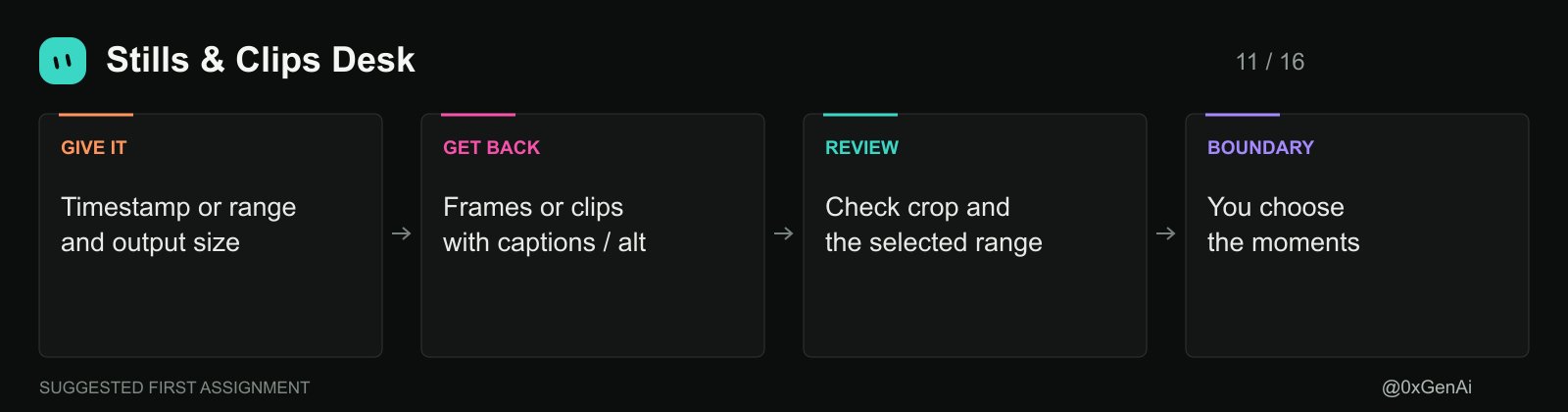
Matt Palmer's Stills & Clips Desk serves a different job from Video Editor. It extracts frames and named clip ranges, prepares sizes for their destinations and adds captions or alt text. It doesn't choose the editorial highlights or recut the whole video.
Send a timestamp for a frame or a start and end time for a clip. Include the required dimensions and any crop rules. This is the desk for pulling a product screenshot from a demo you already reviewed, with the source recording kept intact.
- Outbound Prospecting: research the recipient before drafting
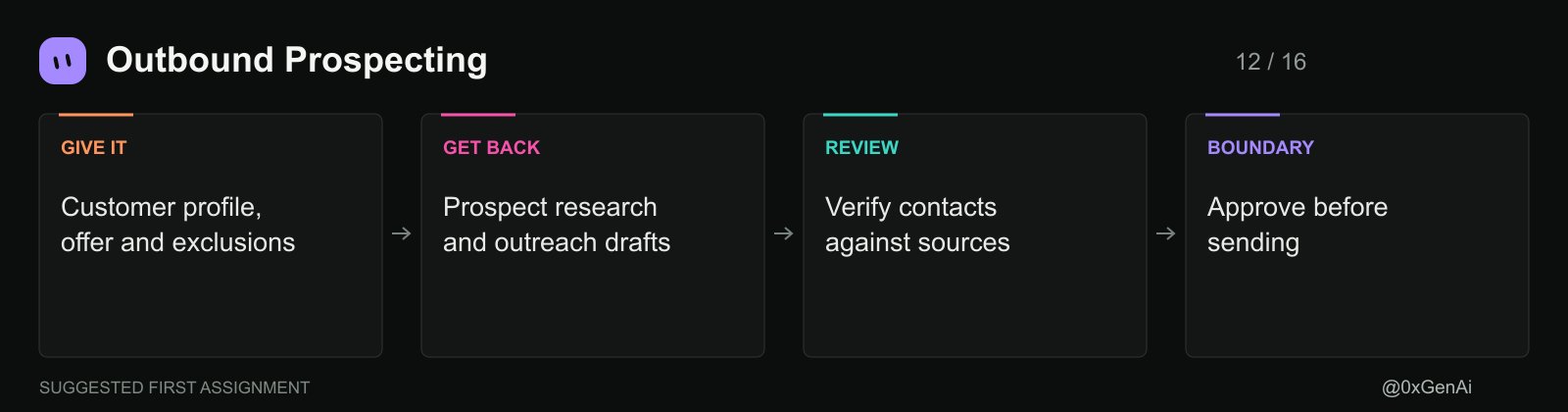
Krista Letz's Outbound Prospecting builds prospect lists from the public web and drafts outreach. Its instructions require evidence for prospect facts and approval before sending. Existing customers and open deals are outside its scope.
Define your customer profile, exclusions, offer and proof you can cite. Request a small list first and inspect the sources. If an address or title is missing, leave it missing. A plausible email pattern isn't a verified contact, and an approved draft isn't evidence that a message was sent.
- Call Follow-Ups: turn the call into specific next steps
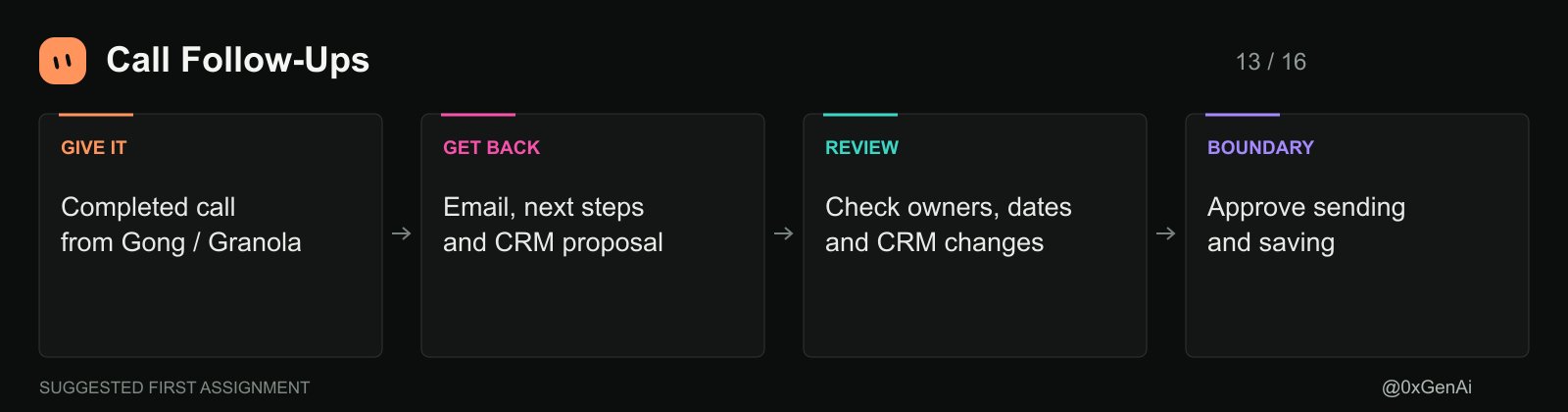
Daniel Brill's Call Follow-Ups watches Gong and Granola for recordings, then prepares an email, next steps and proposed CRM updates. The template requires approval before sending or saving changes.
Give it a completed call and check that every commitment has the right owner and date. Review the CRM diff separately from the email. If the customer only discussed a possible purchase, don't let the follow-up turn that into a promise to buy.
- Haggle Bot: inspect the software bill
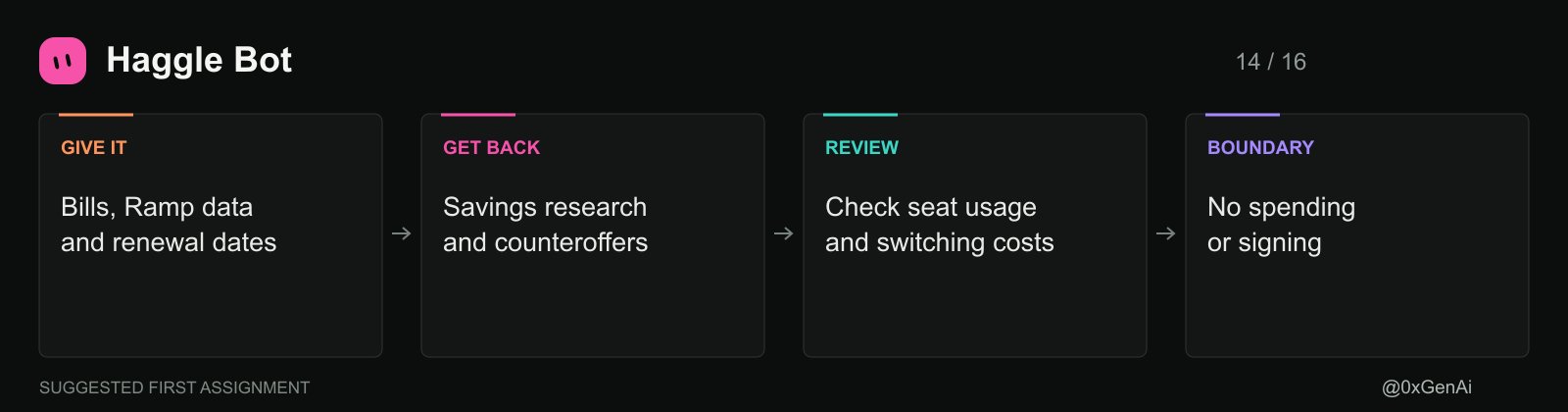
Daniel Gartshein's Haggle Bot uses Ramp and bills to inventory SaaS spending, investigate savings and draft vendor counteroffers. Its rules require approval for messages and prohibit spending or signing.
Start with a current billing export and upcoming renewals. Check the basis for each proposed saving, including unused-seat evidence and switching costs. A cheaper public price may exclude something your team relies on. Review the comparison before approving any vendor outreach.
- Projects Manager: coordinate work once handoffs become a problem
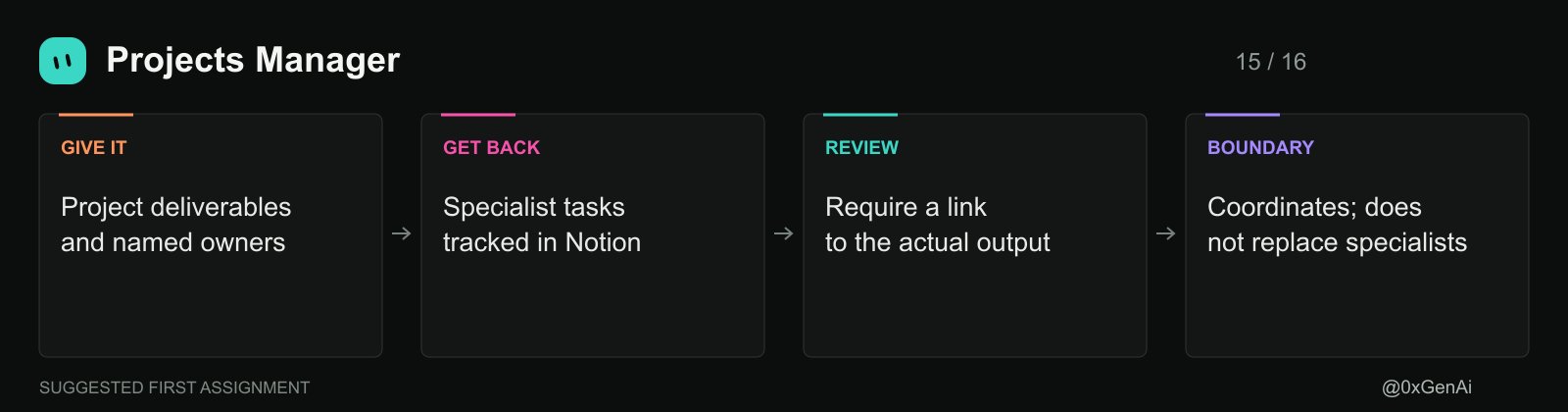
Eric Zakariasson's Projects Manager organizes projects in Notion, with project channels and tasks for specialist bots. It coordinates rather than taking over their work. Blocked tasks carry the question or context in the Note field.
Give it one project with clear deliverables and named owners. Require a link to the actual output before a task closes. Add this bot when you're spending time chasing handoffs; a single writing task doesn't need a management layer.
- dr eggbot: build the specialist the marketplace is missing
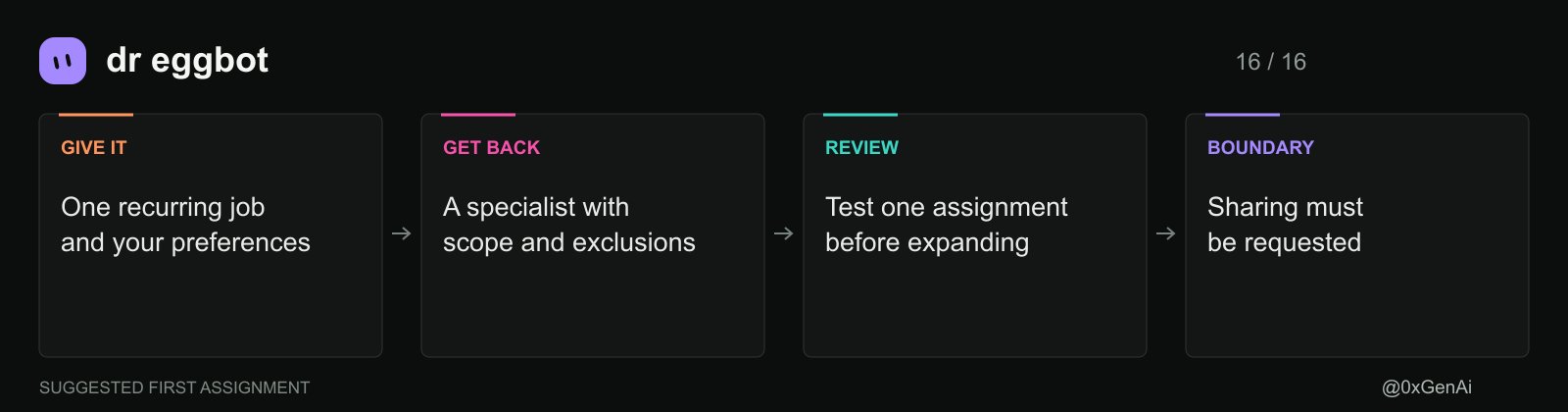
Lauren Tan's dr eggbot asks preference questions and creates bots with a defined job, voice and explicit exclusions. Use it after checking whether an existing template already covers the work.
Describe a recurring task, the input, the deliverable and actions requiring permission. Ask for one specialist first. If you intend to share it, say so explicitly: this template doesn't default to creating a shareable version.
Test the boundaries before scheduling anything
Choose one bot and one finished example from your own work. Compare its output with the original, record what you had to correct and run a second example before enabling recurrence.
For an outreach bot, use draft-only mode with sending access disabled. Ask it to research a prospect whose email isn't publicly available. Check whether it leaves that field empty and explains the gap. For a QA bot, verify the active account before allowing the product walkthrough.
These are suggested acceptance checks, not a claim that the templates passed them in this article. A sentence saying "never send" is an instruction. Restricting send access is an additional control.
The setup mistakes that create more work
-
Importing several overlapping bots before defining who owns each task.
-
Assuming the author's integrations, credentials and custom scripts came with the template.
-
Enabling routines before checking the first output and timezone.
-
Treating a source link as proof without reading the page.
-
Treating draft approval as permission to send, publish, merge or spend.
-
Scheduling more work than you have time or budget to review.
Share the version someone else can actually use
Once your bot handles a recurring job reliably enough for your needs, consider packaging it. Remove private context, document dependencies and test setup with someone who doesn't have your accounts. Review the package before choosing team or public sharing in Share as Template.
For a first setup, choose the unfinished work already in front of you. A product demo could use Proto Bot and Startup QA Bot. A content backlog could use SEO & AEO Desk and Writing Bot. A completed sales call could go to Call Follow-Ups alone.
Keep the bots that produce useful work after review. Fix the repeated errors before adding another scheduled run. Your first assignment should be small enough that you can inspect the entire result.
Bookmark this. Follow @0xGenAi
Published on grokbot.sh. Cite the public log, not a prompt pack.