
Grok Bot at Firefly Medium
How I actually use it! My feed has been flooded with "how to use Grok Bot" posts, so I thought, bugger it, I'm going to do one. What I've found is that most of them are really the same. Apart from a
Article
Job breakdowns
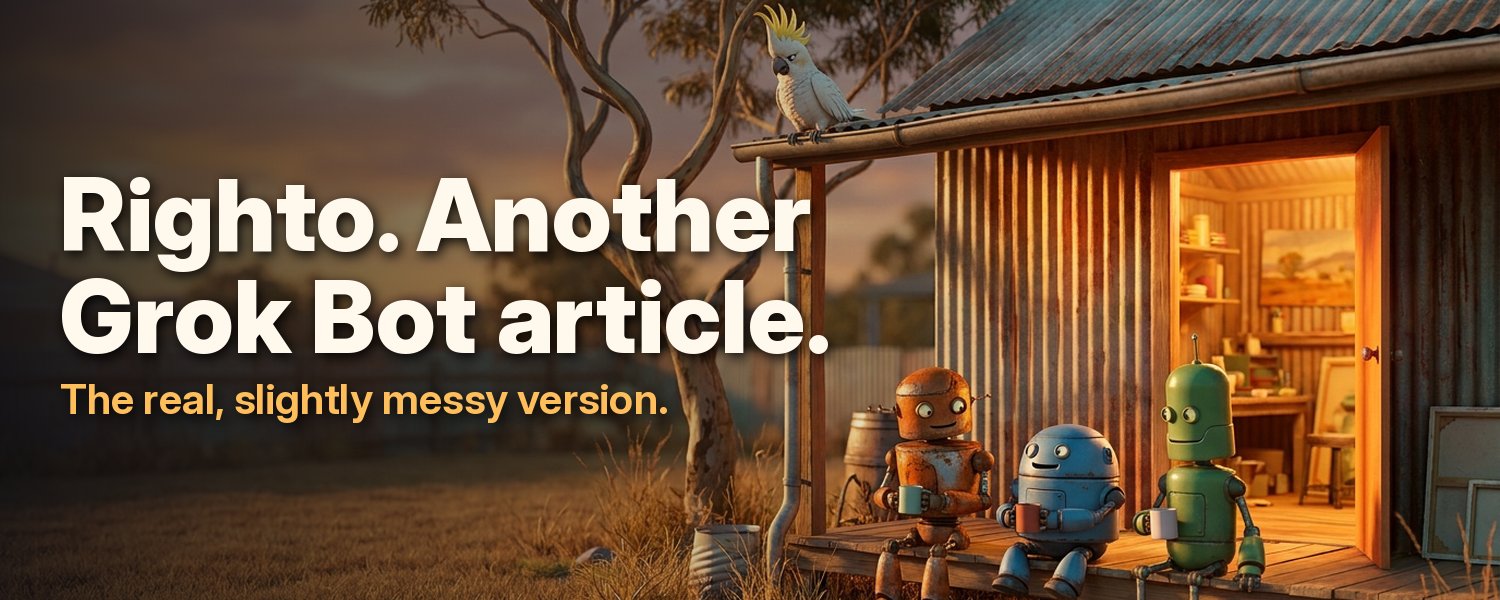
My feed has been flooded with "how to use Grok Bot" posts, so I thought, bugger it, I'm going to do one.
What I've found is that most of them are really the same. Apart from a few tips, they don't add much to my skill tree. Apparently I've been doing most of this from the start. I'm not saying they aren't any good, mind you. There are some great ones if you haven't jumped on the AI train yet, and they'll help you out with whatever job, task or project you're working on.
So this one will be no different.
First, just talk to it!
Most AI now works this way: all you need to do is talk to it. You can ask it questions, and you can also get it to ask you questions. That way it builds up a memory of what you're doing, and it starts working better with you.
Second, ask
When things aren't working, ask. It really is that simple. Don't underestimate it. Tell it when you don't understand, then keep asking until you do.
Why I'm doing this?
Firefly Medium is my working studio, and I'm here to make entertaining content. My stories and worlds are built from my own imagination. AI is the tool I'm using to bring that imagination to life and share it with the world.
That's the goal.
So how does AI, and Grok Bot in particular, help with that?
One of the first things I did was set out what I wanted to do and the main issues I have. I tend to jump from one topic to another a lot, my imagination runs away on me, and I struggle with spelling and writing because of dyslexia. So I told it: "I have 101 different ideas I've been thinking about for years, and I think it's time to get them out of my head. How can you help me with that?"
Build a bible
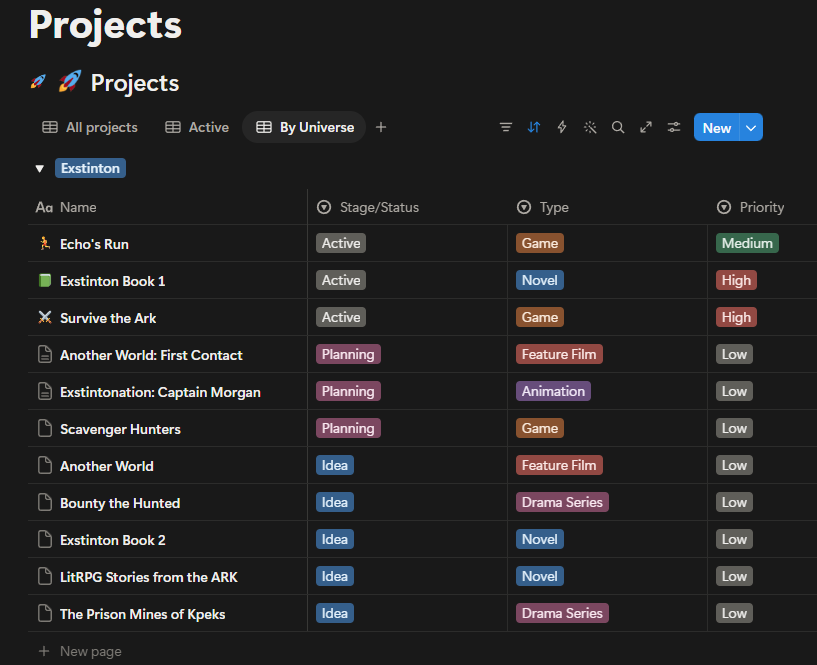
The next important thing I started doing was building out a bible. At first it was just docs, then Markdown files. Then I started using Notion, which is now my HQ. I have a Projects database, a Worldbuilding database, a Knowledge Hub, a Business Hub and a Resources Hub.
Everything is connected, so when I work with an AI tool, it can get the full picture in a few seconds.
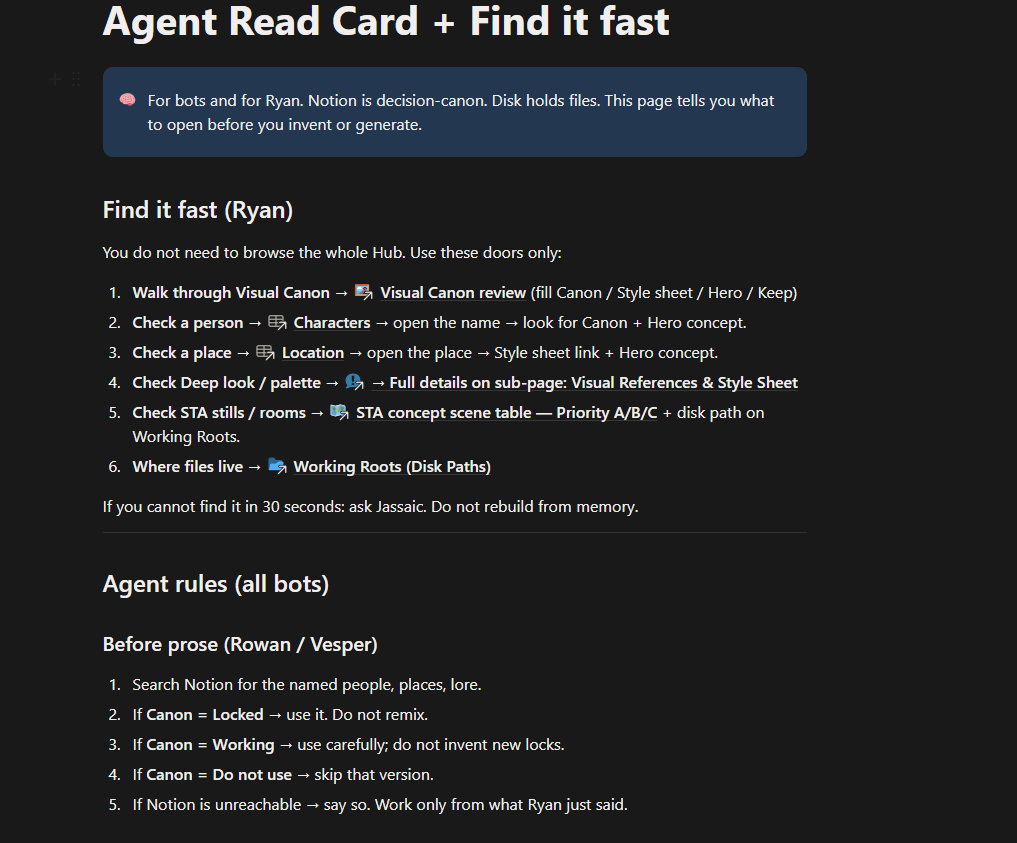
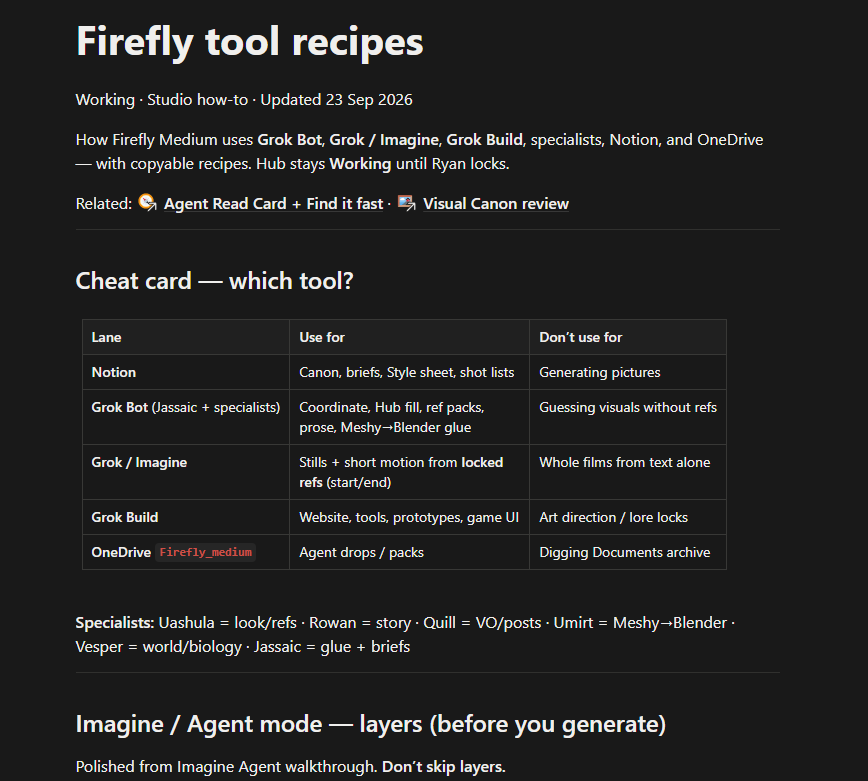
I've also set up Agent Read Cards and Firefly Tool Recipes. These aren't just for the bots, they're for me too. The Agent Cards give the bots a quick overview of the whole team and project. The Tool Recipes are for me. They cover how the bots work best and the practices that get better results.
All of this came from me questioning the AI, then getting the AI to question me.
The bot setup
When I started using Grok Bot, I began with three bots, mainly because I already had those agents set up in Grok, so I basically moved them over and started working with them. I now have about seven, and each one is set up to do a job. I won't list them all. The point is to figure out what you need and the task you're trying to complete. Then, together, you can build out the systems you need.
For example: the Knowledge Hub
My Knowledge Hub is basically my worldbuilding system. I have one bot, Vesper, whose job is to help me maintain and connect information, and make sure it all stays consistent across every project, since some projects overlap. The hub has databases for Characters, Events, Lore, Biology, Items, Locations and a few others. Anything I'm developing for any part of my world, I talk through with him.
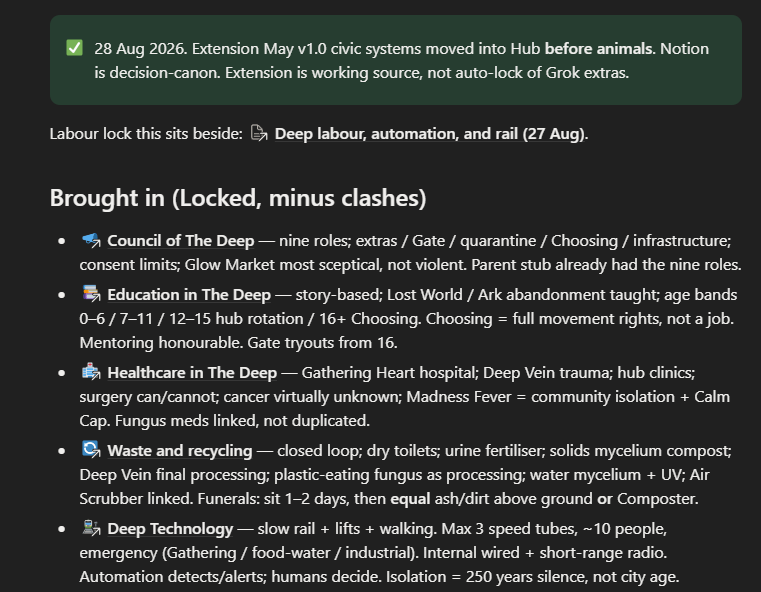
Bringing in the visuals
As part of the Knowledge Hub, I also want reference images and style sheets. They help me visually with my writing and creating. Generating images with AI is fairly easy, until it gets more complicated and you want the same characters looking consistent across several images in the same scene.
This is where things start connecting so I can build out my world. I've already been talking with Vesper about what I want my world to look like. We even went over the science, fact and fiction, to see how possible my imagination was.
Then I go and talk with Uashula, my Art Director and Visual Production Specialist, and we start working on the visual concepts. She goes into the Knowledge Hub, reads what Vesper and I have come up with, and then hands me an image to review.
The visual pipeline
I have a pipeline for this as well, which I run in Notion. The bots fill out most of the database for me. I simply set the canon status, the stage, and whether it needs to be redone. There's one comments section where I add my notes.
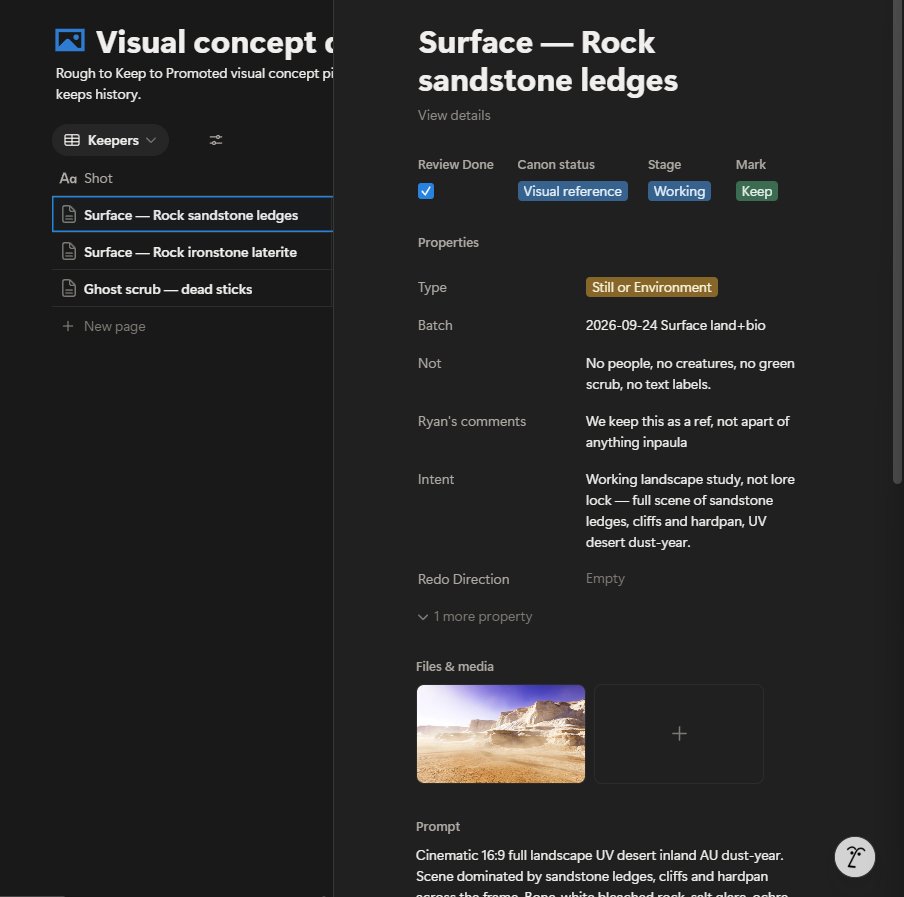
This way I can work in batches, and I try to keep each batch to one topic: landscapes, clothing, and so on.
As part of this process, Jassaic, my Project Coordinator, keeps a history of each update to the images. She also fills out most of the database for me, which makes this pipeline super effective.
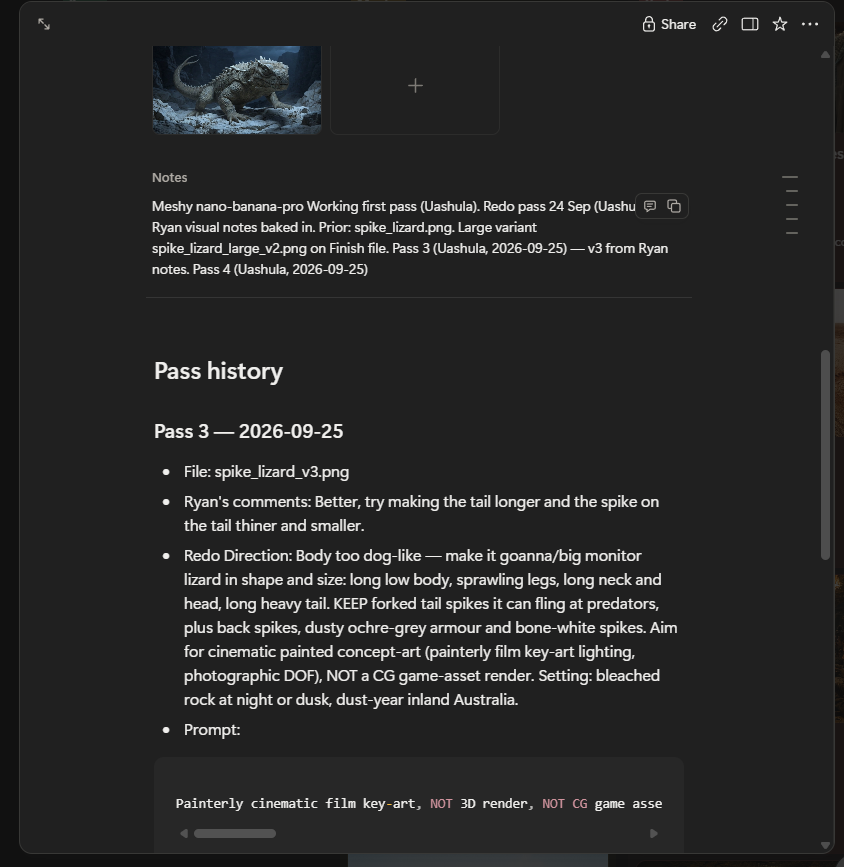
The real magic comes with time: That's it That's how I work. It's not the only way, but it's mine. Figure out what you need, then ask.
Published on grokbot.sh. Cite the public log, not a prompt pack.