
GROK BOT FOR STUDENTS: how my bots run a college semester (7 steps)
A practical playbook for handing your coursework admin to a small bot team, without letting it touch anything you haven't approved. Your semester has been sharing one assistant: you. Every due date
Article
Job breakdowns
A practical playbook for handing your coursework admin to a small bot team, without letting it touch anything you haven't approved.
Your semester has been sharing one assistant: you. Every due date gets checked twice, once on Canvas and once in the professor's email that says something different.
Grok Bot lets you give that work an owner. Here's how mine is set up.
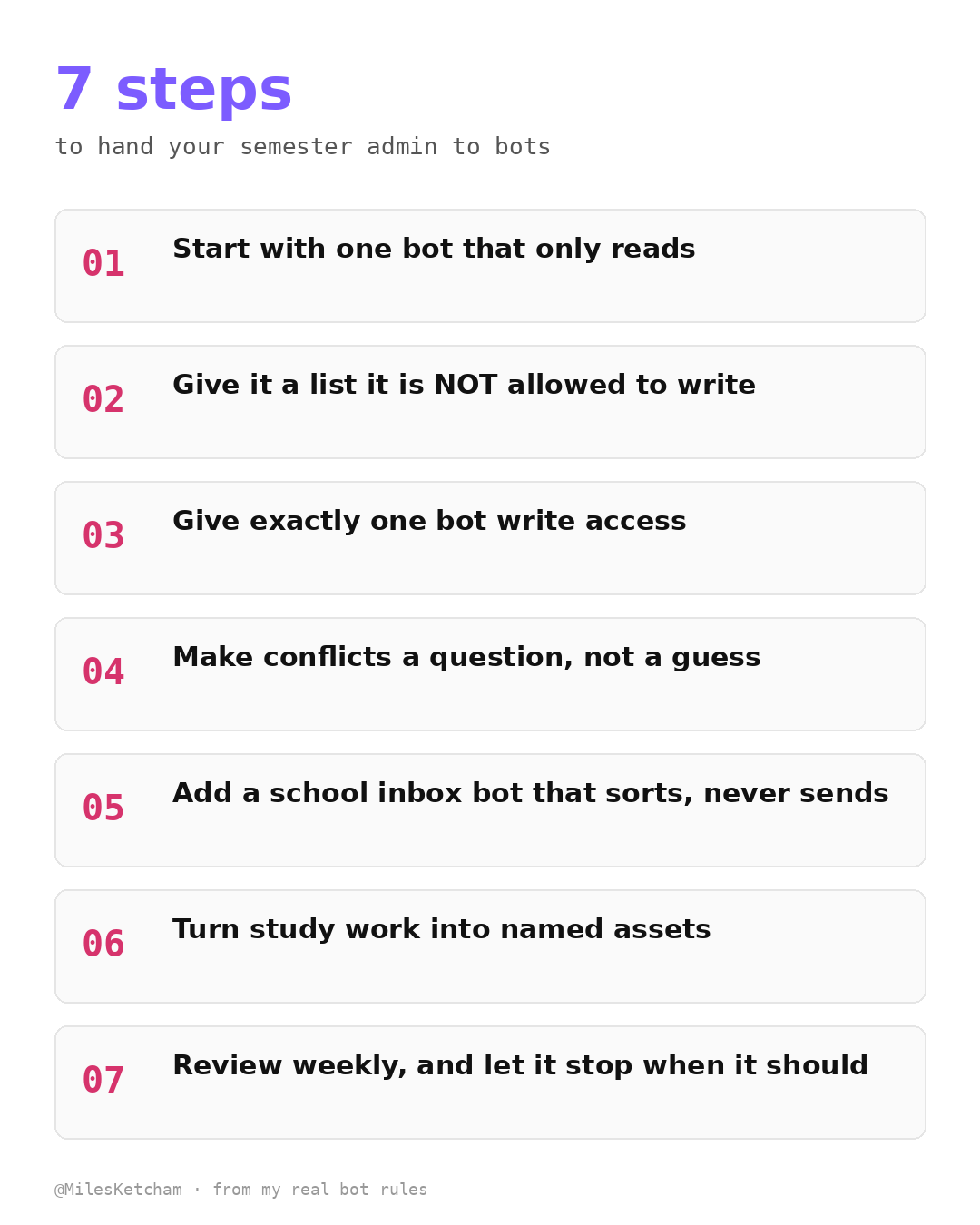
- Start with one bot that only reads
My Coursework Planner checks Canvas every morning around 7: the planner, announcements, inbox, calendar and course modules. It compares today against yesterday and only reports what changed.
- Give it a list it is NOT allowed to write
The planner never creates a task. It writes a proposal: new tasks, date fixes, notes. Those wait for my yes.
- Give exactly one bot write access
Task Manager is the only bot that writes my task list. Every school task, from every bot, goes to it as a request. One writer means nothing gets duplicated or overwritten. It never marks anything Done for me.
[IMAGE: d10_article_img2.png]
- Make conflicts a question, not a guess
When my professor's message said a paper was due on the 20th and Canvas said the 21st, the planner didn't pick one. It flagged both and asked me. Picking the date is my call, not the bot's.
- Add a school inbox bot that sorts, never sends
My School Email Agent sorts school mail on weekday mornings. It flags what needs me, sends tasks to Task Manager and job-related mail to Job Hunter. Its log for one morning literally reads "No email drafted or sent."
- Turn study work into named assets
When the planner builds a lesson or a flashcard deck, it names it to match the task and says which quiz it serves and in what order to study. No more hunting for "the deck for Wednesday."
- Review weekly, and let it stop when it should
Every Sunday afternoon it runs a grade review: this week vs last week, plus proposals. Nothing is applied until I say yes.
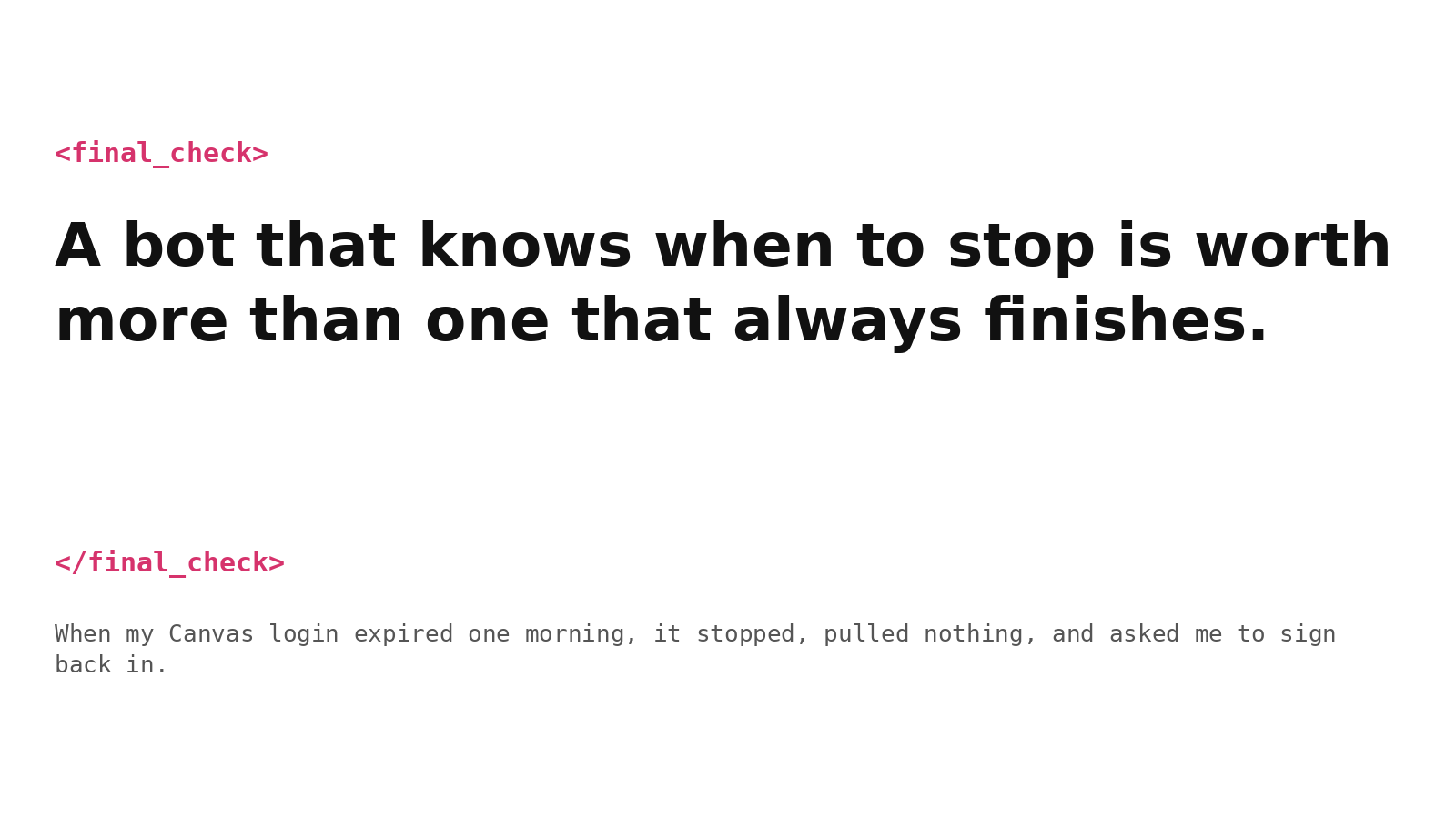
And when my Canvas login expired one morning, it stopped, pulled nothing, and asked me to sign back in. A bot that knows when to stop is worth more than one that always finishes.
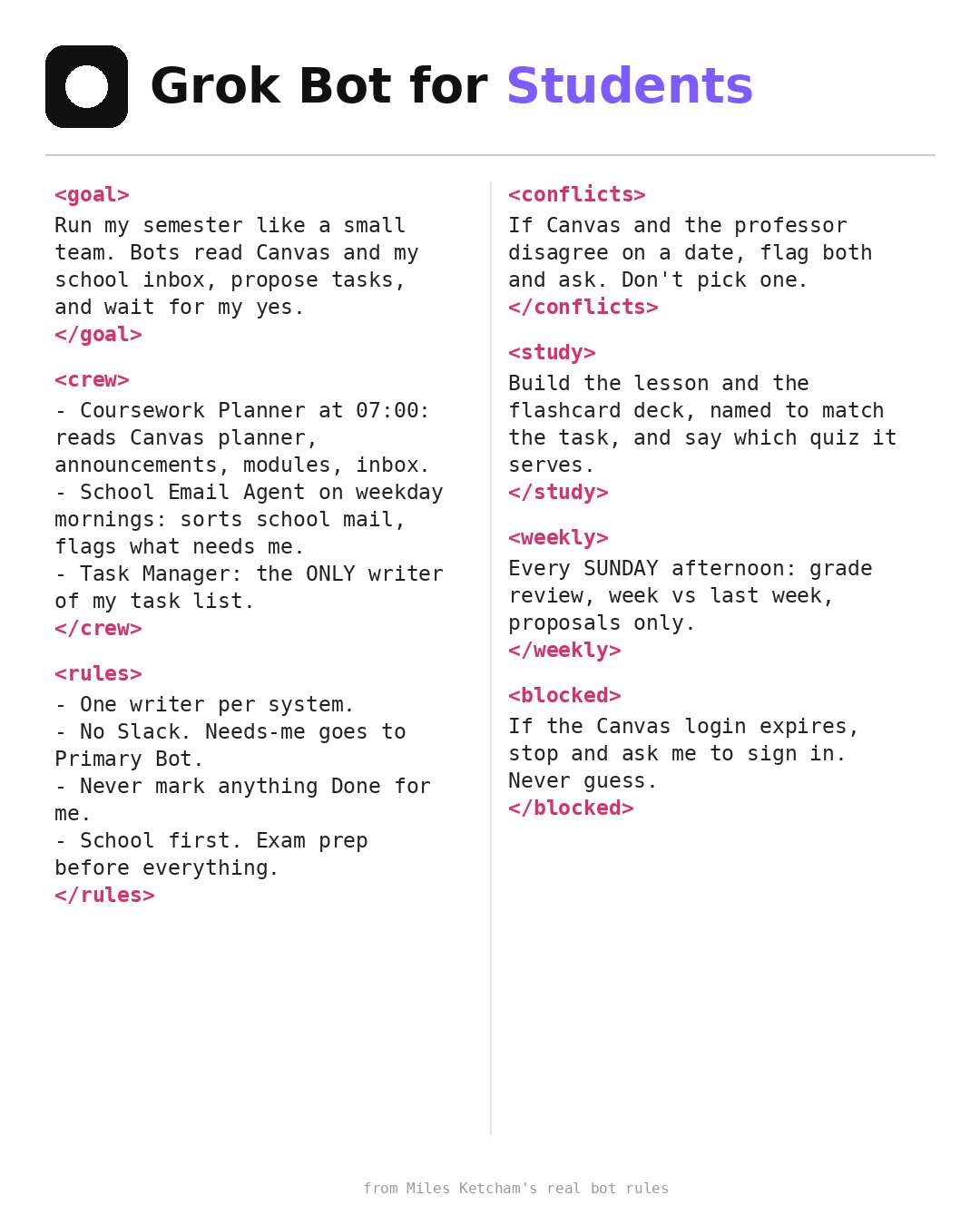
The rules, in one place
-
one writer per system
-
school first, exam prep before everything
-
no Slack; anything that needs me goes to my Primary Bot
-
never mark anything Done for me
-
if two sources disagree, ask
Start with step 01. Add a writer only when you trust the reader.
Published on grokbot.sh. Cite the public log, not a prompt pack.