
How to Build a 6-Bot Night Shift in Grok Bot That Runs While You Sleep
Grok Bot has been out for 31 days. For 29 of them, it could not get past a login screen. That single gap is why almost every "runs while you sleep" playbook written in August was describing a system
Article
Job breakdowns
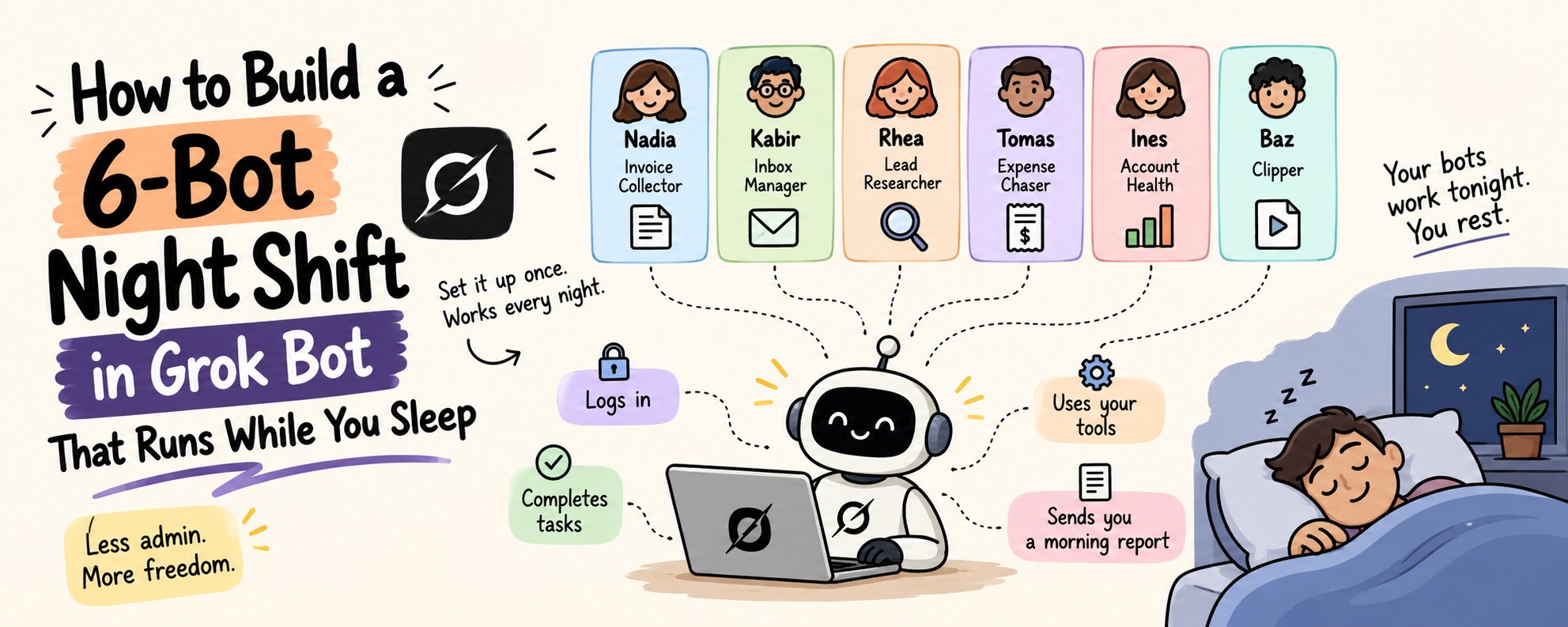
Grok Bot has been out for 31 days.
For 29 of them, it could not get past a login screen.
That single gap is why almost every "runs while you sleep" playbook written in August was describing a system that quietly stopped working around 2am.
On September 9 the official Grok Bot account posted a batch of updates, and Elon Musk amplified it the next morning. Buried in it was the thing that actually changes the shape of what you can build: your bot can now fill out forms and logins inside the chat, with support for any password manager.
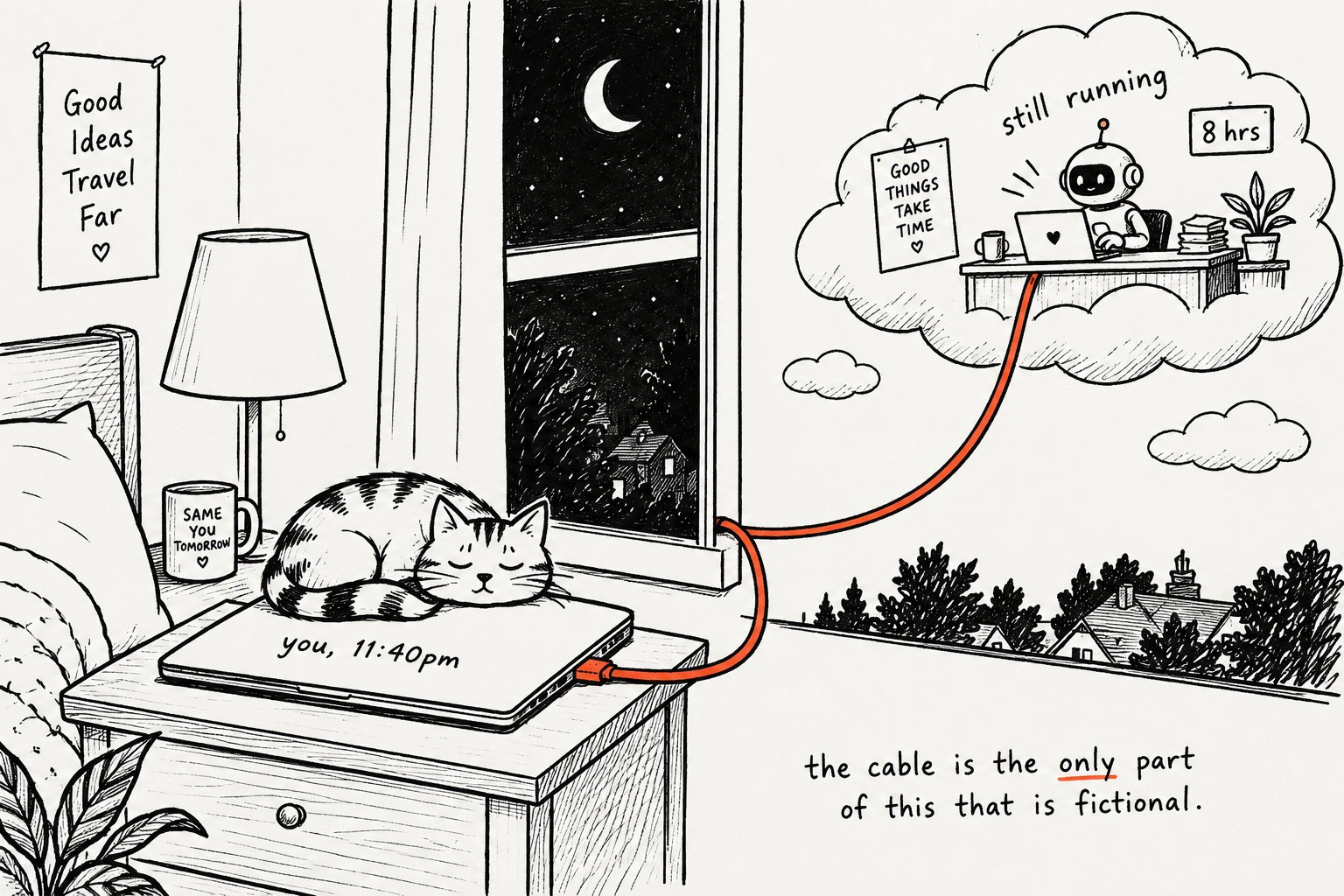
It signs itself in, keeps going, and leaves you asleep, which is what turns an eight-hour unattended run from a demo into something you can schedule. Here is what that unlocks, in real numbers.
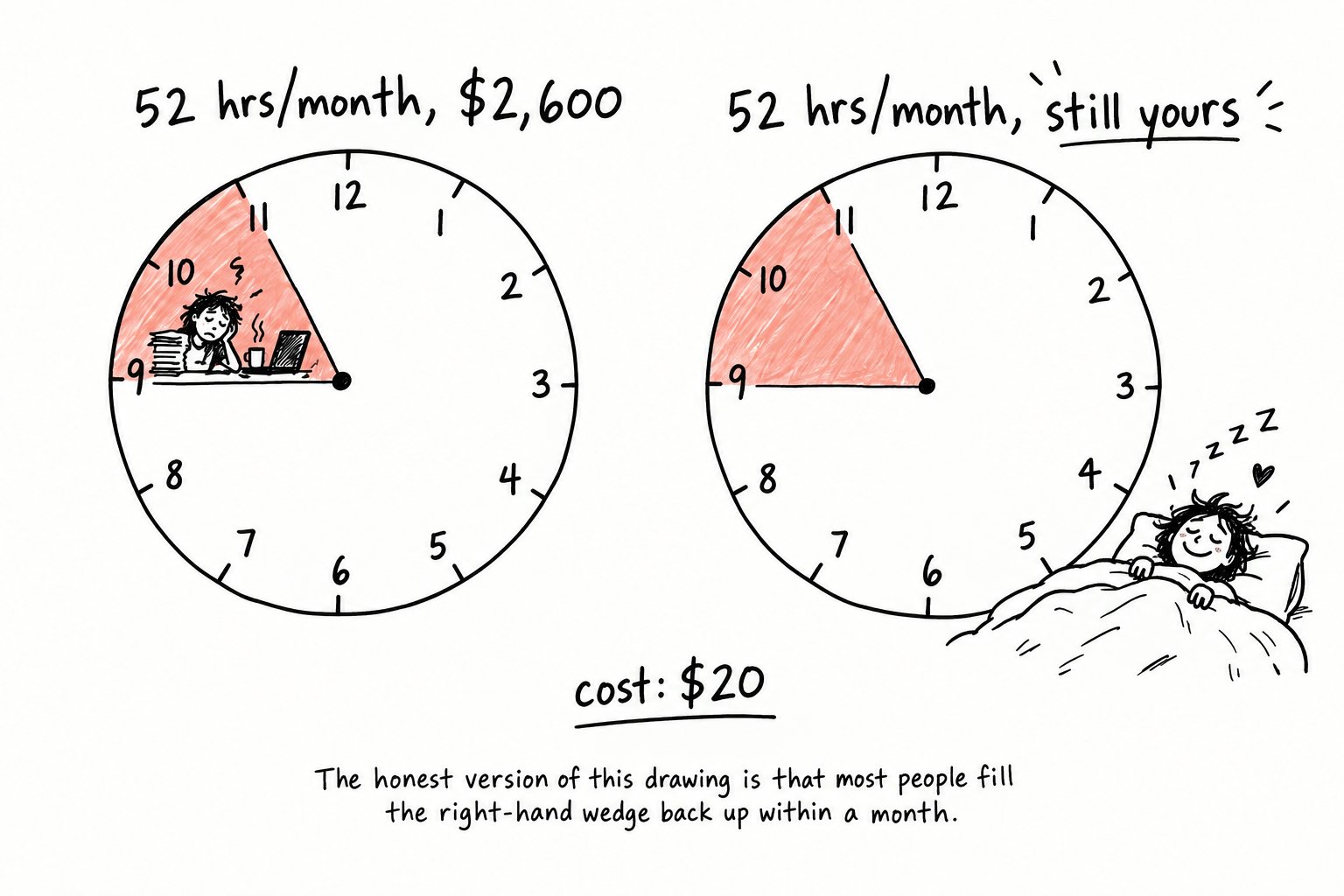
The admin that eats your evening runs about 2 hours a night for most people running something on their own. Six nights a week, across a month, that is 52 hours. Billed at a modest $50 an hour, you are spending $2,600 a month of your own time logging into vendor portals, triaging an inbox, and chasing receipts.
You already know which two hours I mean. It is the stretch after dinner where you open a laptop to do twenty minutes of catching up and close it ninety minutes later having done nothing you would put on an invoice.
The night shift is the system you build so those 52 hours happen without you in the room.
Here is the exact setup, the six charters, and the credential handoff that makes it survive until morning.
Save this. You set it up once and use it every night after that.
What Grok Bot actually is
Grok Bot is a coworker that comes with its own computer.
That phrase is doing real work, so let me unpack it. Each bot you create gets a persistent cloud machine, which means a computer that lives on a server somewhere and stays switched on after you close your laptop. It has a browser, a terminal, a file system, and a memory of what it has already done for you.
Because that machine never sleeps, the work does not pause when you do. This is the difference between a chatbot that writes you a draft email and a bot that opens your actual email client and puts the draft in the actual queue.
The bots also work in the tools you already pay for, instead of in a separate automation dashboard you have to babysit. They sign into your CRM, your billing portal, your inbox, and they finish the job inside those tools.
The piece that was missing until this week was authentication. A bot could navigate to your vendor's invoice portal and then sit there, because it would not type a password. One user on the Cursor forum described exactly this in late August: the bot could open his banking site perfectly well and then refuse to go any further, leaving him locked out of the one task he had set it.
That is the wall that came down on September 10.
Step 1: Pick the three jobs that die at a login screen
Do not start by listing everything you wish you could hand off.
Start by listing the tasks you currently do that consist almost entirely of signing into something, clicking four times, downloading a file, and signing out. Those are the jobs that were impossible last week and are trivial this week, which means they are the ones with the least competition and the fastest payoff.
For most one-person operations the list comes out roughly the same: pulling invoices out of vendor portals, triaging an inbox, chasing down expense receipts, checking which client accounts have gone quiet, researching a handful of target companies, and gathering the day's raw material for whatever you publish.
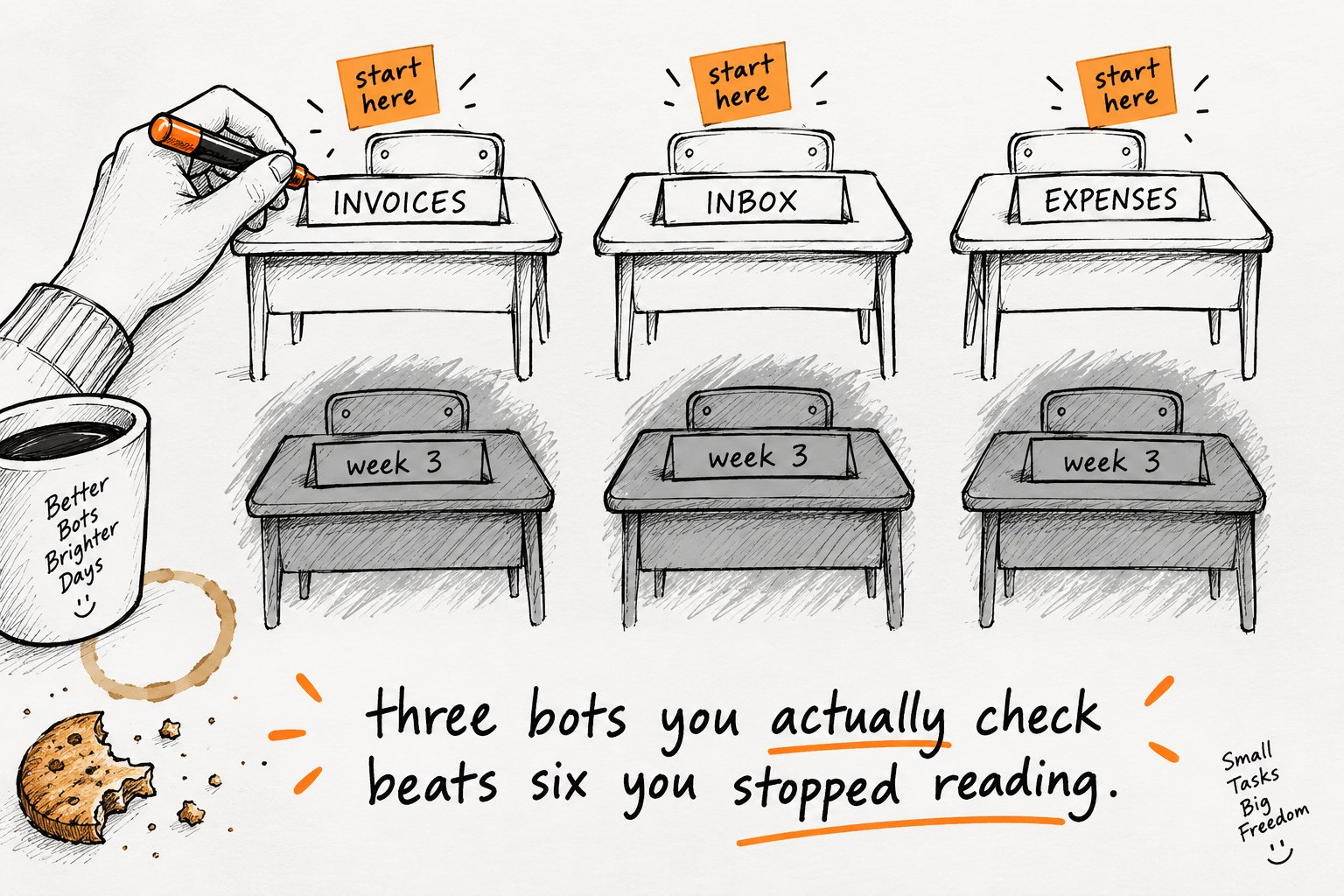
Pick three to start. Six is where you end up, not where you begin.
Step 2: Write the night charter once, reuse it six times
Every bot gets the same base instructions, with one section swapped out per role. This is the single most valuable block in the article and it is the one people will bookmark, so give it its own paste.
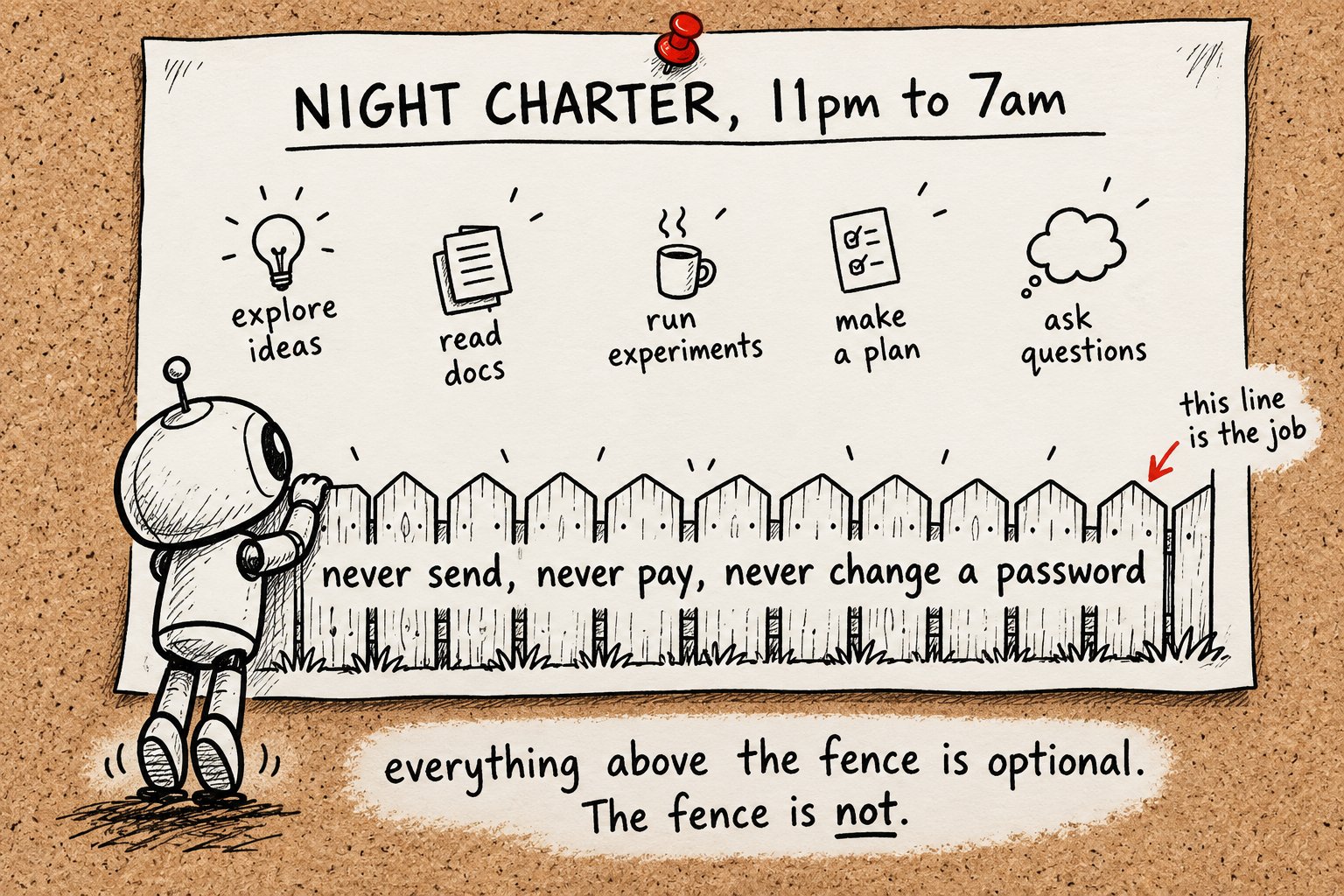
The charter has four jobs: it tells the bot what it owns, what finished work looks like, when it is allowed to run, and where it has to stop and wake you up. That last part is the one that keeps this from being reckless.
The "where you stop" section is worth more than the rest of the charter combined. It is the thing that turns a bot with your credentials from a liability into an employee.
Step 3: Hand over credentials the right way
This is the new part, and it is where most people are about to do something careless.
Your bot can now handle a login without leaving the chat, using whichever password manager you already use. It authenticates once and then picks up from where it left off, which is what makes an eight-hour unattended run possible at all.
That does not mean you should hand over everything at once.
Give it one account on the first night. Pick something low-stakes where the worst possible outcome is an annoying afternoon: a vendor invoice portal, a scheduling tool, a read-only analytics dashboard. Watch what it does with that one before you widen the list.
That last paragraph is not paranoia, it is housekeeping. A bot with a persistent file system will keep whatever you let it keep.
One practical note that catches people out: Grok Bot requires cloud data storage to function. If your Cursor account is set to Legacy Privacy Mode, you have to change that setting before any bot will start. That is a real decision about where your data lives, and it is worth making it deliberately rather than discovering it at 11pm on setup night.
Step 4: Name your six and give each one sentence
Named bots get used. Numbered bots get forgotten.
This is not a cute flourish, it is a memory aid. When your morning report says "Nadia flagged two portals that changed their layout", you know instantly what that means. When it says "Bot 3 encountered an error", you have to go looking.
Here is the roster I would build, mapped to the use cases Grok Bot's own documentation leads with, which means these are the jobs the product was actually shaped around.
Nadia, Invoice Collector. Signs into vendor portals overnight, downloads whatever is new, files it, and parks anything unclear for you.
Kabir, Inbox Manager. Triages everything that came in, marks what is genuinely urgent, drafts replies in your voice, and sends none of them.
Rhea, Lead Researcher. Takes your target list, pulls together who the decision-makers are and what the company has been doing lately, and hands you a prepped one-pager per account.
Tomas, Expense Chaser. Hunts down receipts across the places they hide, codes them, and chases the ones that are missing.
Ines, Account Health. Checks which clients have gone quiet, flags renewal dates that are creeping up, and drafts the warm check-in you keep meaning to send.
Baz, Clipper. Gathers the day's raw material for whatever you publish and leaves it in one place so you are not starting from a blank page.
Two of these should be running by the end of your first week. All six by week three.
Step 5: Set the approval gate before you set the alarm
The bots only pull you in for approvals. That is the design, and it is also the only reason this is safe to run unattended.
The gate holds because you decided it in advance and wrote it down. Decide tonight which categories require your sign-off and write them into every charter, rather than deciding case by case at 7am when you are reading a queue and want it to be empty.
My line: anything that leaves your account requires approval. Anything that enters it does not. A downloaded invoice is fine unattended, a sent email is not, a drafted reply is fine and a submitted form is not.
Write that line down before you build the roster, because a bot will follow the boundary you gave it and not the one you meant.
Step 6: Run a shadow week, then read the morning report
Do not trust the roster on night one.
For the first week, run each bot on work you are also doing yourself. Let Nadia pull the invoices you were going to pull anyway, then compare. You are checking two things: whether it got the task right, and whether its morning report told you the truth about what it did.
The second one matters more. A bot that does 80% of the job and describes that accurately is useful immediately. A bot that does 95% and tells you it did 100% will cost you a client eventually.
After the shadow week, stop reading transcripts. If you are still reading transcripts in month two, the charter is wrong, and rewriting the charter is the fix.
What this is actually worth
Here is the arithmetic, with every assumption visible so you can swap in your own numbers.
The Month 6 figure is the one to be honest about. Reclaiming 52 hours is not the same as earning $2,600, unless you actually put those hours somewhere that pays. Most people get the hours back and spend them on the same admin, just earlier in the day. The system gives you the time. What you do with it is a separate problem, and it is genuinely the harder one.
The honest part
This is not ready for everyone, and the gap between the demo and your Tuesday is real.
It costs money and the plan list keeps moving. Entry is around $20 a month on Cursor Pro, with eligibility spread across eight Cursor and SuperGrok plans. That list has already changed since the August 11 launch, so verify your own tier rather than trusting any article, including this one.
It is still beta. Things break between updates. In late August, a Cursor forum user reported that a routine update to the bot's computer wiped his browser extensions, which took out the password setup he had built his whole workflow around. Your night shift is running on a machine that receives updates you did not schedule.
It requires cloud data storage. There is no version of this where your working data stays local. If that is a hard constraint for your clients or your jurisdiction, stop here.
Platform gaps remain. There is still no Linux desktop app. The iPad app only arrived on September 9.
Some jobs should never go on this list. Anything that moves money, anything covered by a client confidentiality clause you have actually read, anything involving payroll or health records. The approval gate is a good control, and a good control is not the same as a guarantee. I do not put banking on the list and I would not advise you to either.
Who this is genuinely for: someone running a small operation alone or with one other person, doing two hours of portal-and-inbox work a night, with tolerance for a system that is right most of the time and tells you when it is not.
Who should wait: anyone who would not notice for three days if a bot filed something in the wrong place.
Your first 10 minutes
Do not read this and do nothing.
Pick the single most boring login you performed this week. Open Grok Bot. Create one bot, name it, and paste the night charter with that one account in the "what you own" section.
Give it one task. Go to bed.
Read the morning report before you read anything else tomorrow. That is the whole trial, and it costs you ten minutes tonight.
Hope you liked the article.
Building better AI workflows for creators like you.
❣️I’m Kanika (@KanikaBK) — follow for more practical tests and setups.
Also subscribe to my newsletter: https://passiveincomehabit.beehiiv.com/
Published on grokbot.sh. Cite the public log, not a prompt pack.