
Using Grok Bot: Figma Photomosaics
You may have seen some three-panel mosaics on your timeline. Here's how you can create them with @bot in @figma. Any designer knows how they'd make one, it's just a bit of a pain in the ass. So we
Article
Job breakdowns
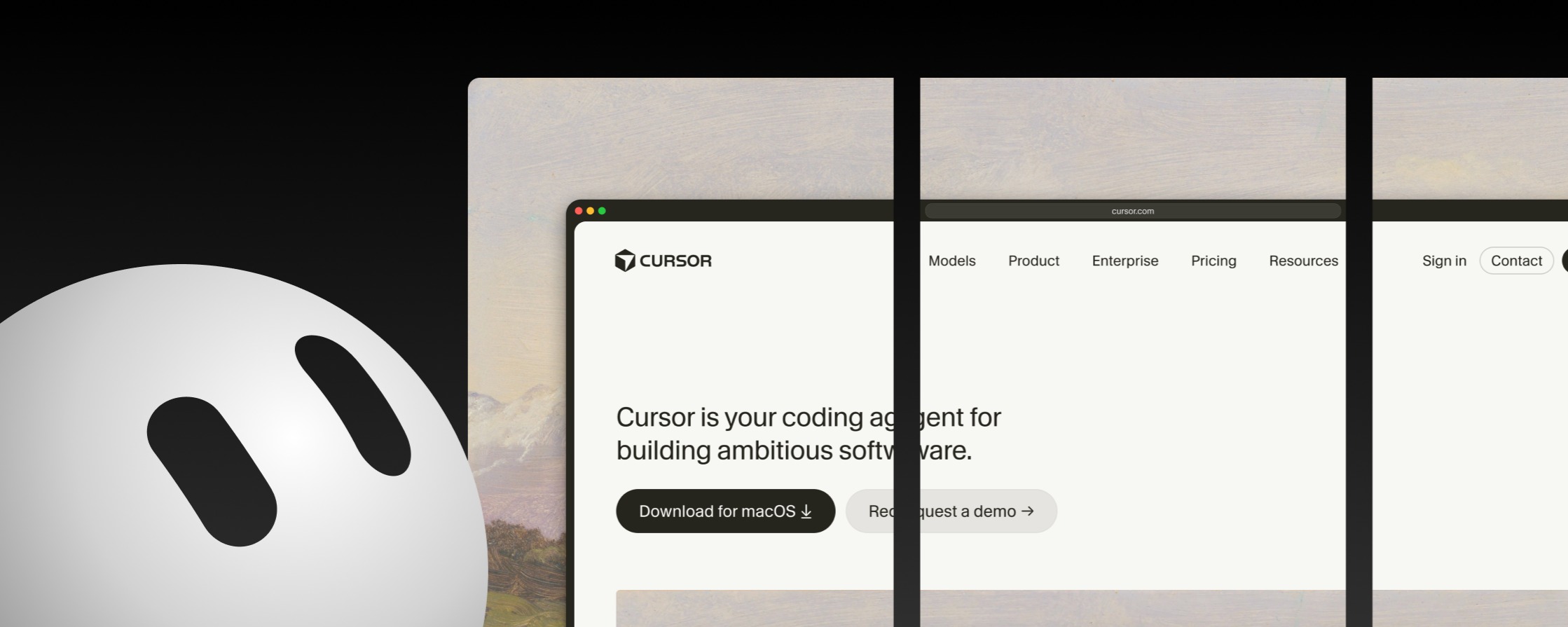
You may have seen some three-panel mosaics on your timeline. Here's how you can create them with @bot in @figma.
Any designer knows how they'd make one, it's just a bit of a pain in the ass.
So we should be asking "how can I use AI to make this 90% less of a pain in the ass, so I can focus on the cool, creative parts of design"
Grok Bot can do exactly that.
If you don't care about the "how" and just want a @bot template, you can find one here: https://x.ai/bot/dYpPe1PCZv2WJDVTYDwhc
Otherwise, here's how I built mine:
Building the photomosaic
My general approach with Grok Bot is: break down how you'd create the asset yourself, then prompt @Bot to do exactly the same.
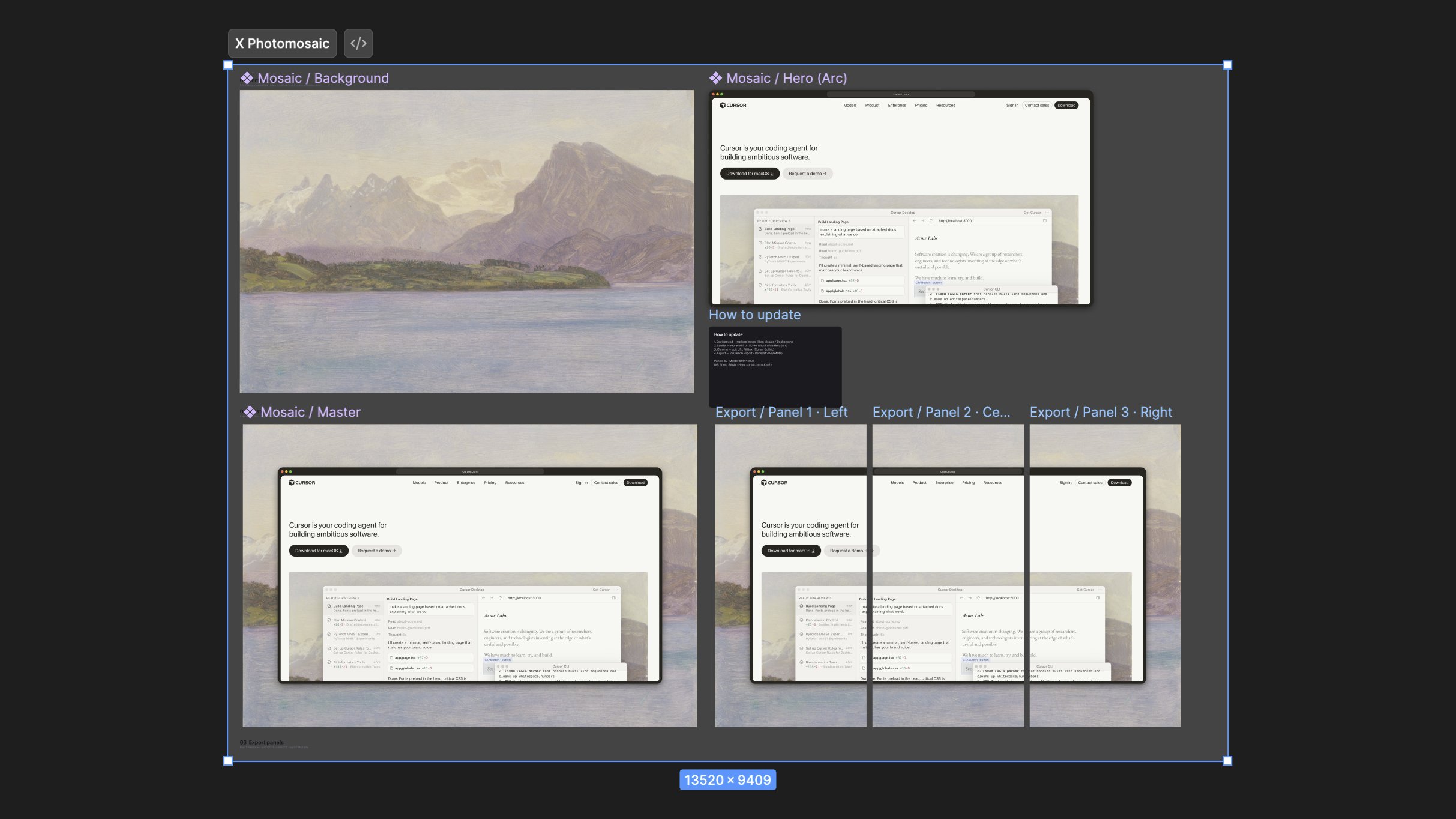
In this case, the workflow was a design in Figma.
This is just a canvas with a hero asset, componentized and split across three panels. We can reverse engineer the aspect ratios by looking at existing posts on X.
I asked Bot to do exactly this - here's my optimized first prompt.
Replace Cursor Gothic, [link to image], and [insert file] with your assets.
After sending the prompt through, check on your bot every few minutes - if things are going awry, ask why.
Maybe the bot isn't properly using autolayout. Maybe the padding is off. Maybe a border radius needs a tweak.
Make the change, make a note of why it was needed, then integrate those things into your next prompt.
A few meta-points:
-
I'm using accurate language. Note how I called it a "photomosaic" and not "a picture in a picture as three thingys on a thingy"
-
I didn't know what a photomosaic was, but I asked Grok "what is it called when a collage of three images are assembled to make a larger image"
-
Every prompt should start from a beginner's mindset - how do I learn everything I need to do this well?
-
My first attempt was not perfect. I backed into the prompt above by asking Grok Bot "tell me what you needed up front to get this right on the first try"
-
Always be asking, "how can I duplicate this workflow or ensure AI can do everything next time?" This is something @poteto really drives home.
-
I didn't use a specialized bot for this - just a general one connected to Figma. For a one-off, that's fine, but for repeated tasks I'd probably create a specialist.
Grok Bot is about more than using AI effectively - it's about how to use a computer effectively.
That means first principles thinking, communicating effectively, and having patience. Using Grok Bot is mostly about problem solving.
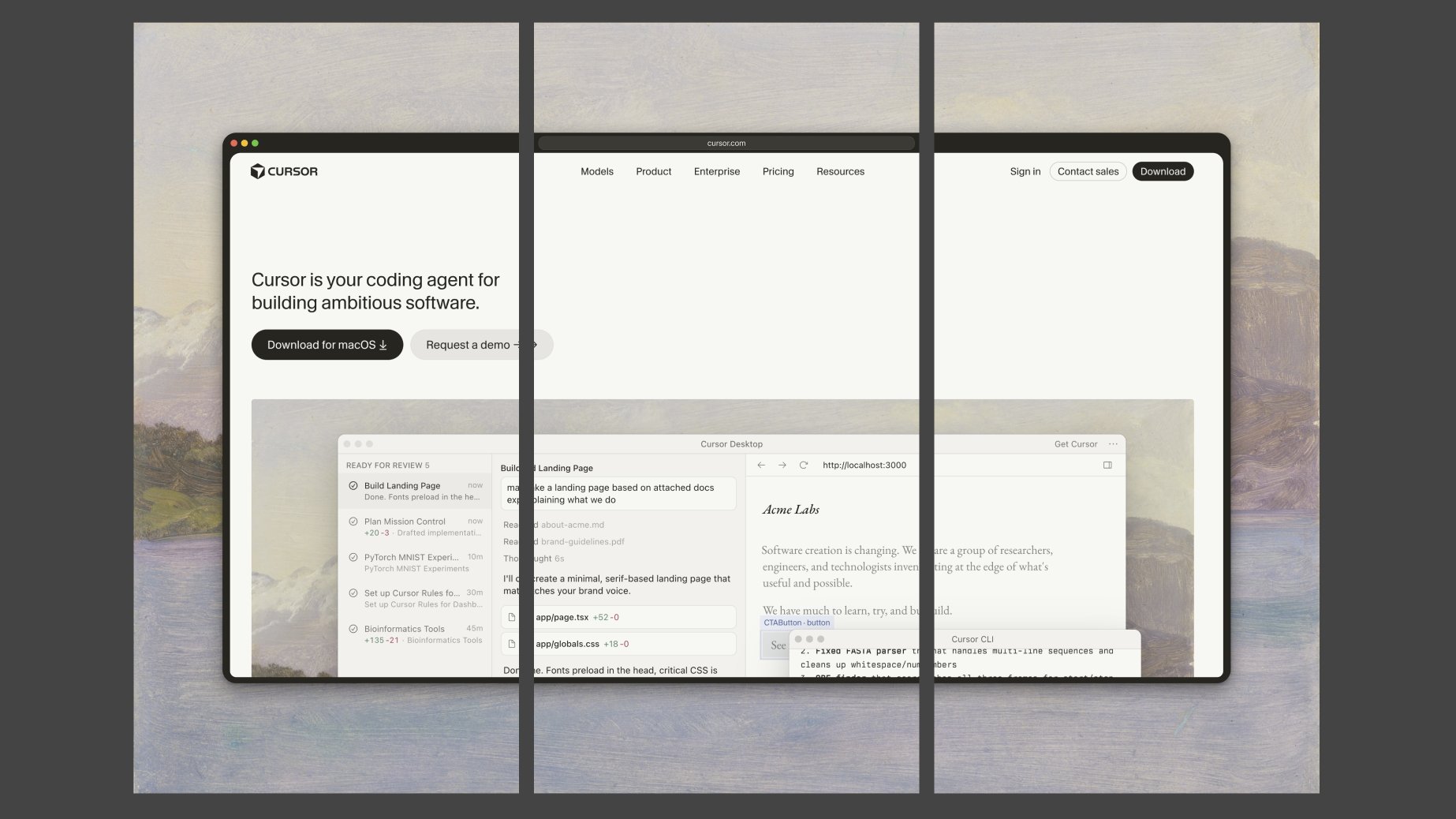
Plus, I now have a durable asset that I can reuse - like I did in this post:
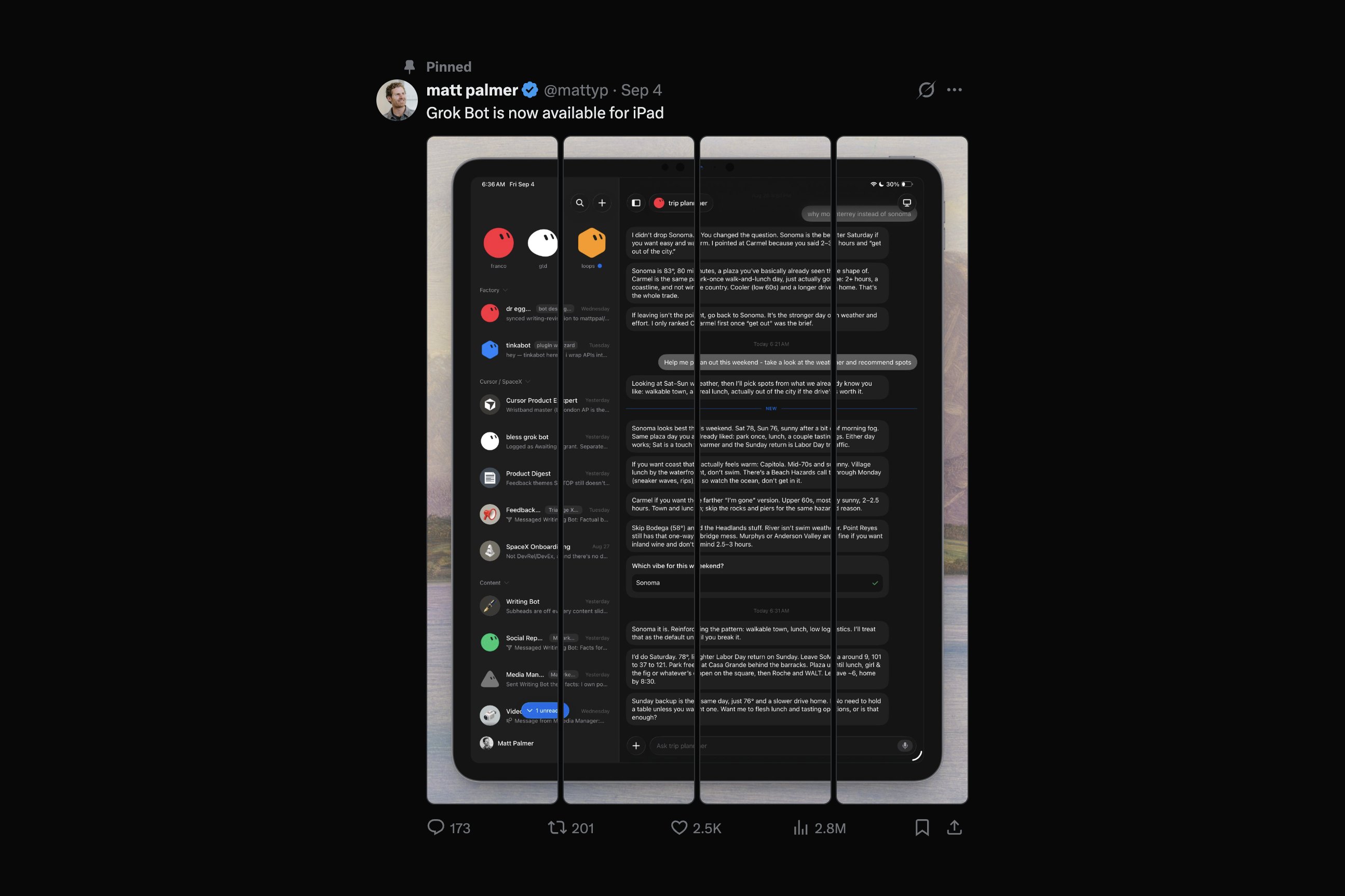
Without an understanding of this format, I wouldn't have been able to make the iPad announcement in a timely way.
The role of the creative is to evoke emotion.
Grok Bot allows me to focus on asset selection and imagery, while it takes care of everything else.
The most popular question I get is "how can I use Grok Bot" - here's one way to use it for design.
Published on grokbot.sh. Cite the public log, not a prompt pack.